
Generating Batches
#Batch Size
Within Sogni you can easily select how many images you'd like to generate within the Batch Size Field below the Imagine Button. The Batch Generation feature enables you to produce multiple images in one go. Select from options: 1 image, 4, 9, 16, or Mega Batch.
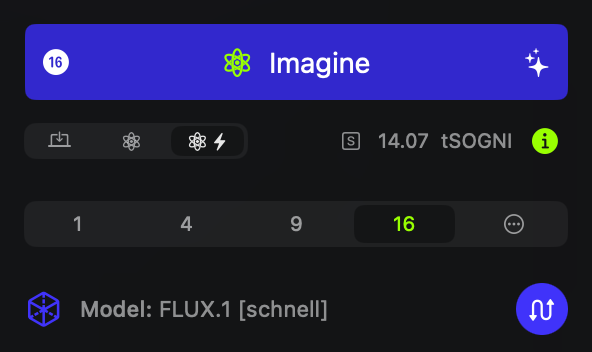
Sogni UI showing batch size of 16 selected
Mega Batches
Mega Batches offer high-volume image creation, allowing up to 2048 images if you're generating on-device and up to 512 with Supernet. For easy organization, Mega Batches are automatically saved to a gallery group. Here, you can review, mark favorites, and delete images in bulk, streamlining your workflow.
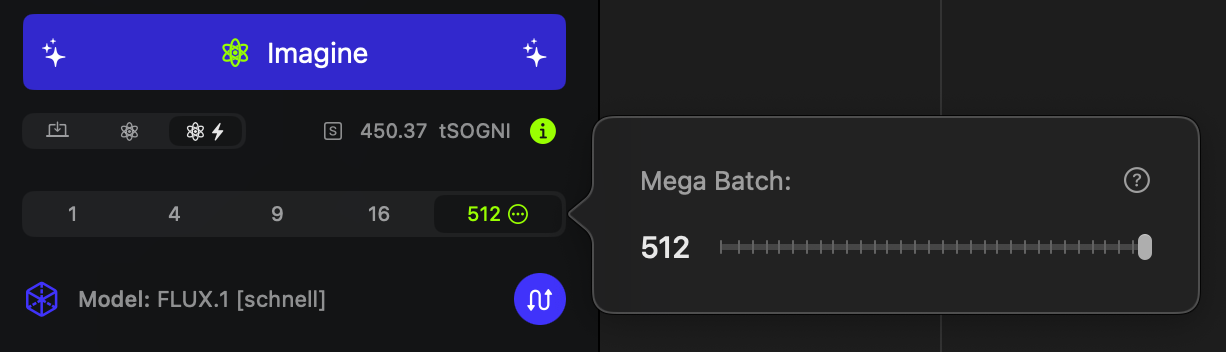
Sogni Mega Batches
Progress Tracking
For batches up to 256 images, progress displays as an image grid, letting you track multiple outputs simultaneously. For larger Mega Batches, only the last generated image appears in progress view, but you can click anytime to see finished images in fullscreen, one by one.
Storage Reminder
Each image can take between 1 and 6.5 MB of storage. With larger batches, it’s good to monitor your disk space to ensure smooth performance.
Need help? Ask in our Discord!
For any questions regarding the use of Sogni, tips, suggestions, bugs, sharing art, discussing AI and life, or simply hanging out... Join our Discord community!
Join Sogni Discord ✨