
Updating Sogni Studio Pro
As we continuously improve our Sogni apps, new versions may become available to ensure you have access to the latest features.
- iOS Users: If you have automatic app updates turned on, your Sogni Pocket app will update automatically. Otherwise, you can update it directly from the Apple App Store.
- macOS Users: If you’ve downloaded Sogni Studio from our website, you’ll be prompted to update to the latest version when you open the app after we release a new upgrade.
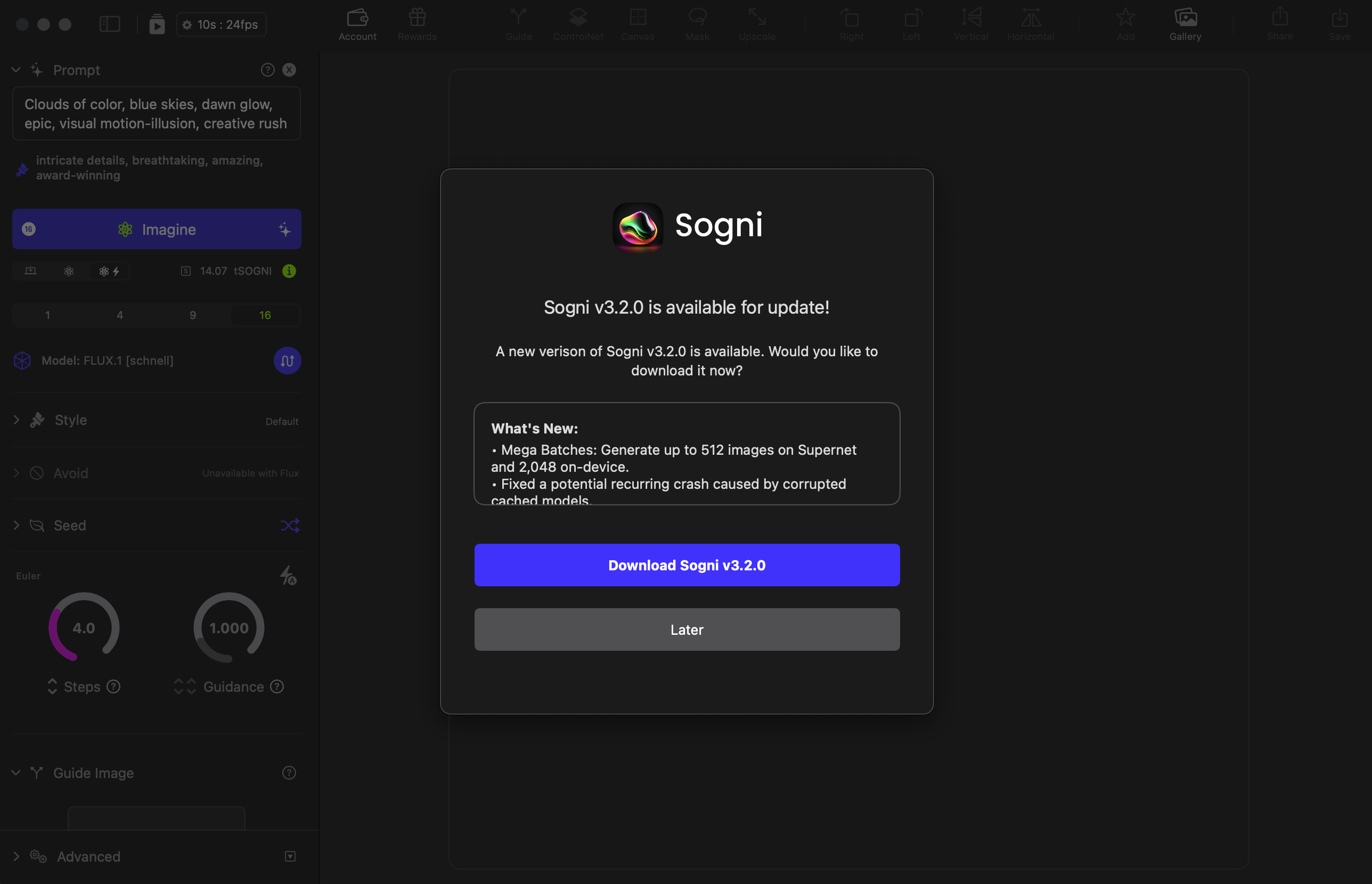
New Update Alert in Sogni Studio UI
To begin your update, click Download Sogni. Please note that the version displayed in our screenshot may differ from your version, as we regularly release new updates.
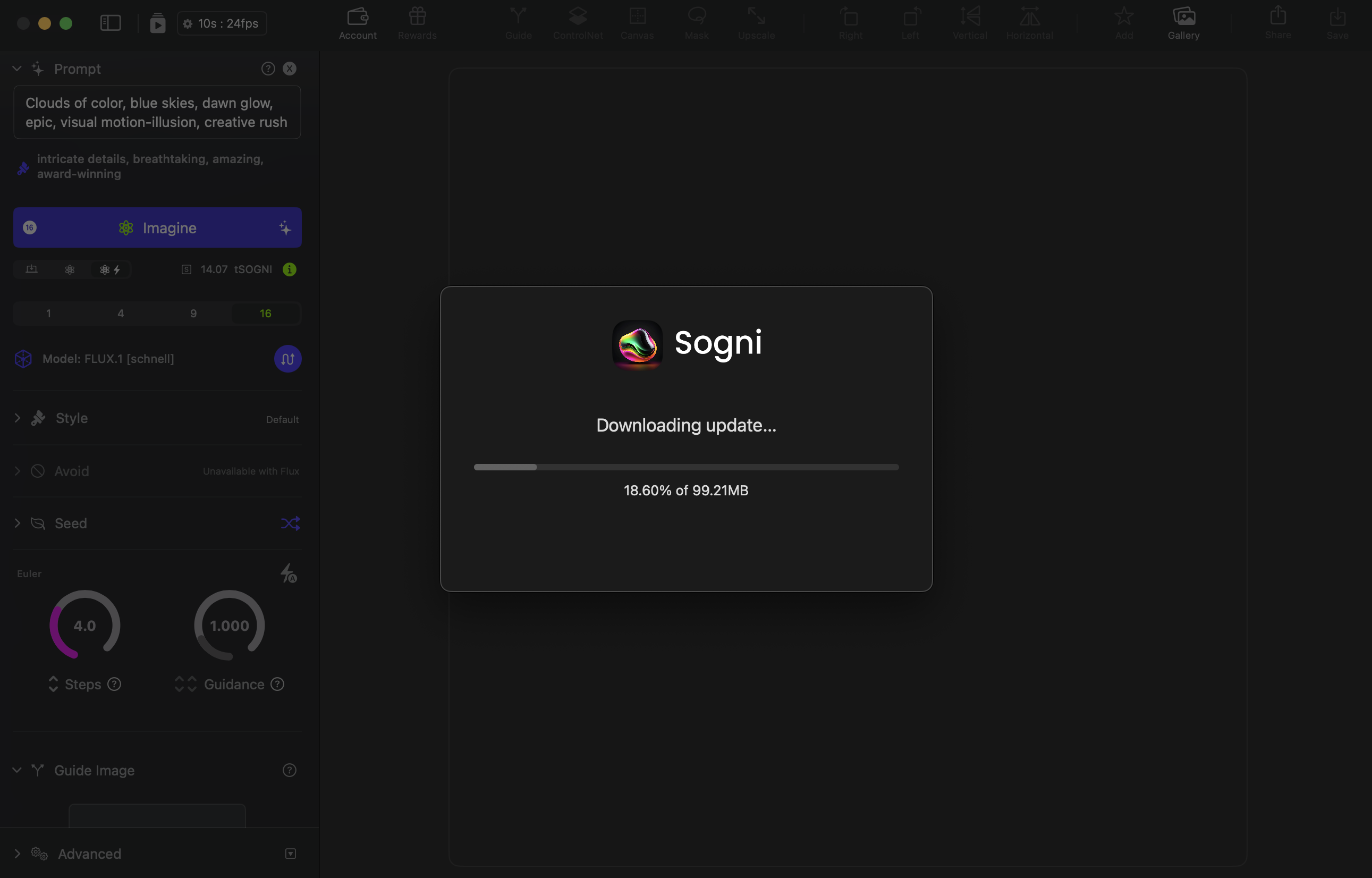
Downloading Sogni Studio Update
Once your download is complete, you will be prompt to quit Sogni, open the downloaded disk image and install the update.
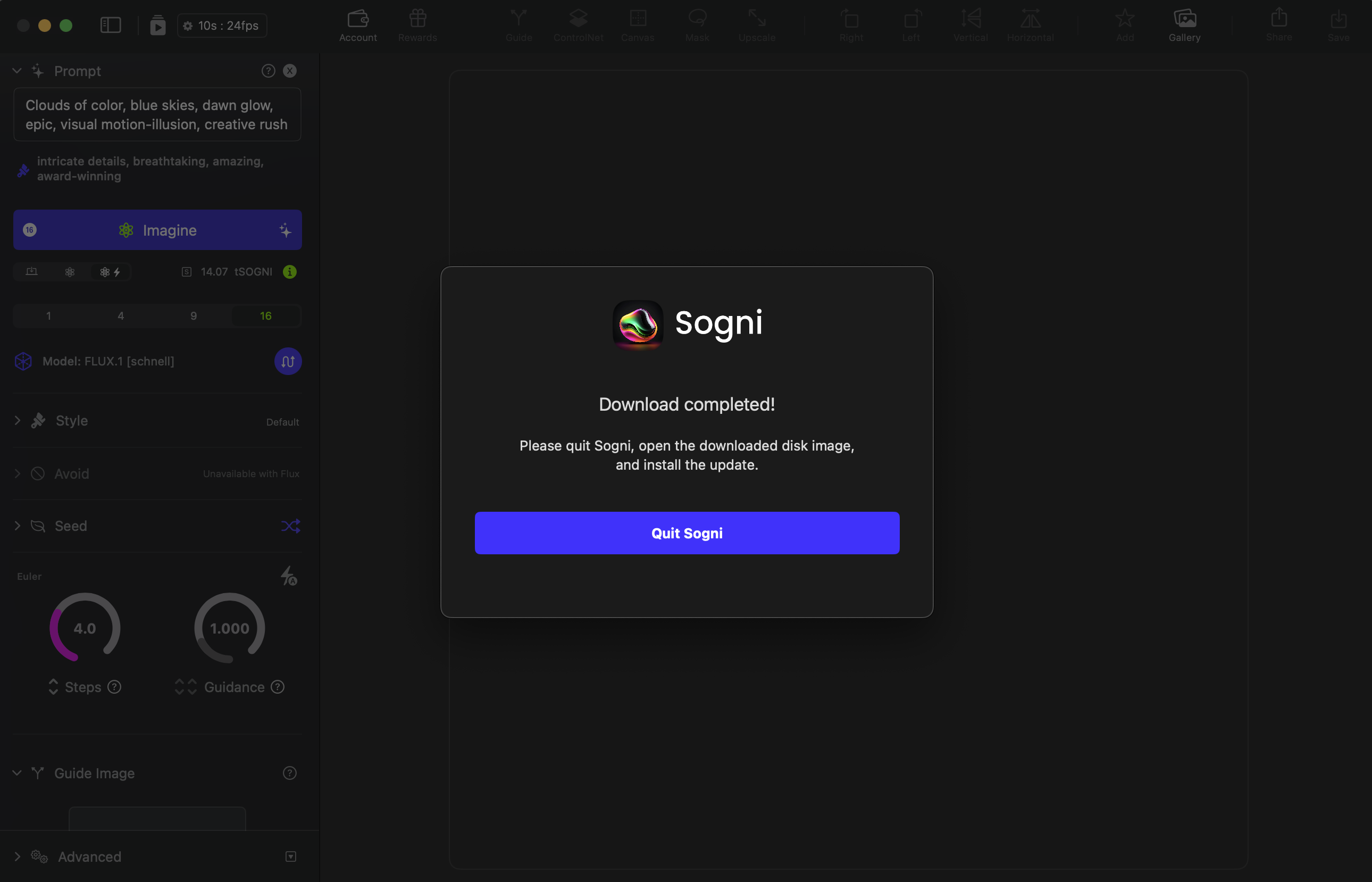
Download complete
Pressing Quit Sogni will close Sogni Studio and open your Downloads finder window.
Click the downloaded file to begin installing onto your Mac.
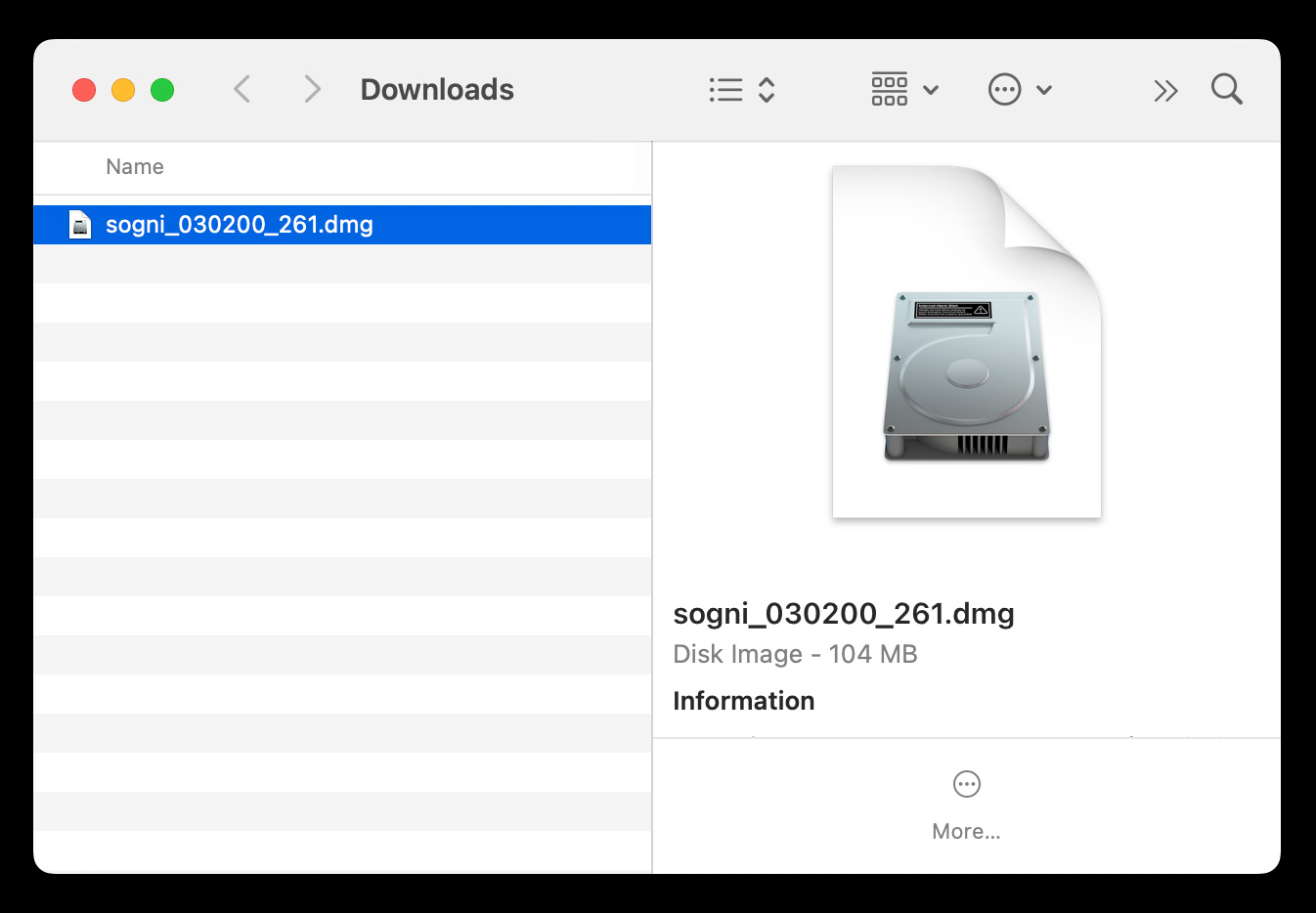
Sogni Studio Disk Image within Downloads
This will open the first step of installation. Please read and agree to our privacy policy to continue.
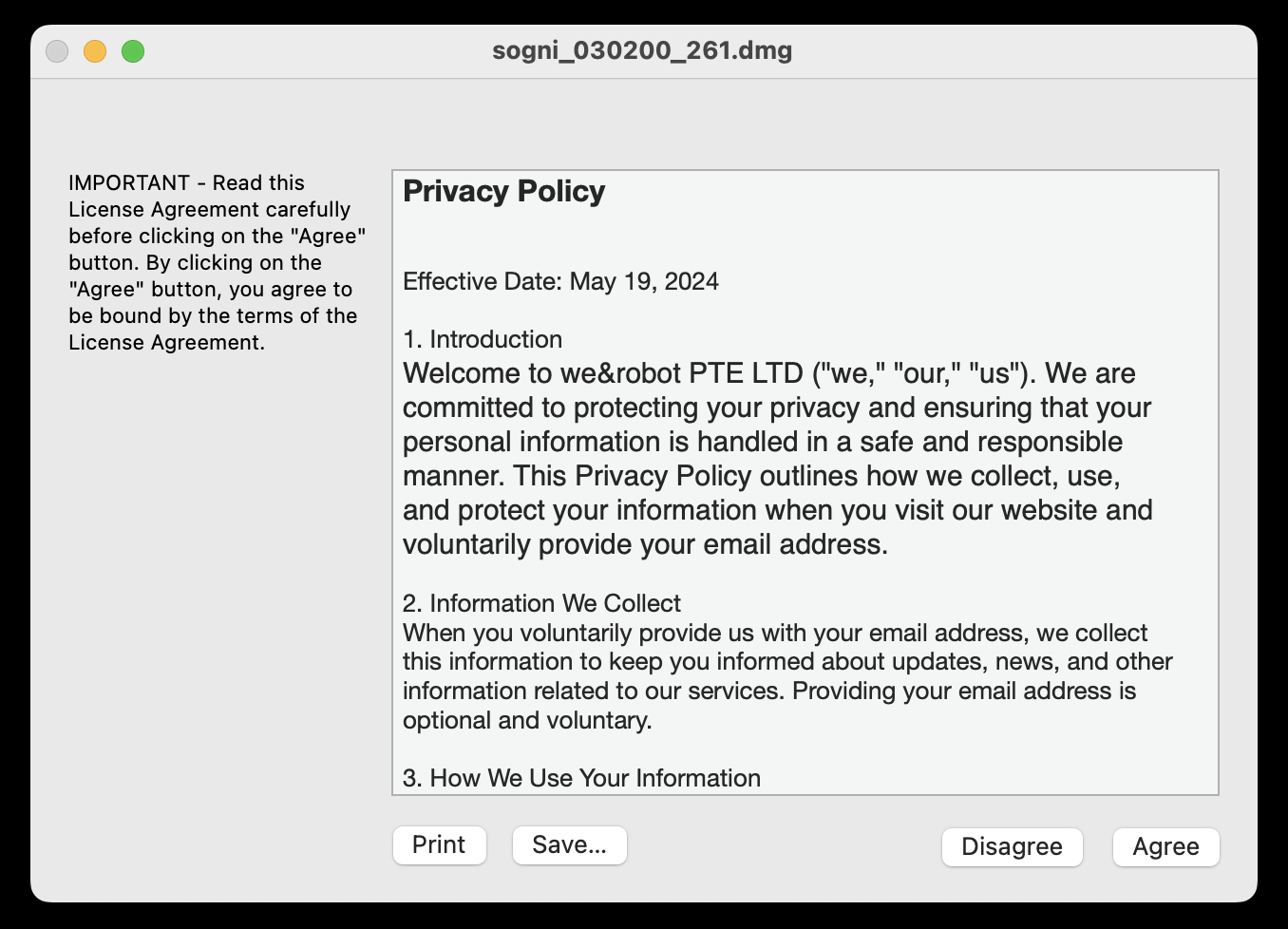
Privacy Policy
Next, drag the Sogni app icon into your Applications folder.
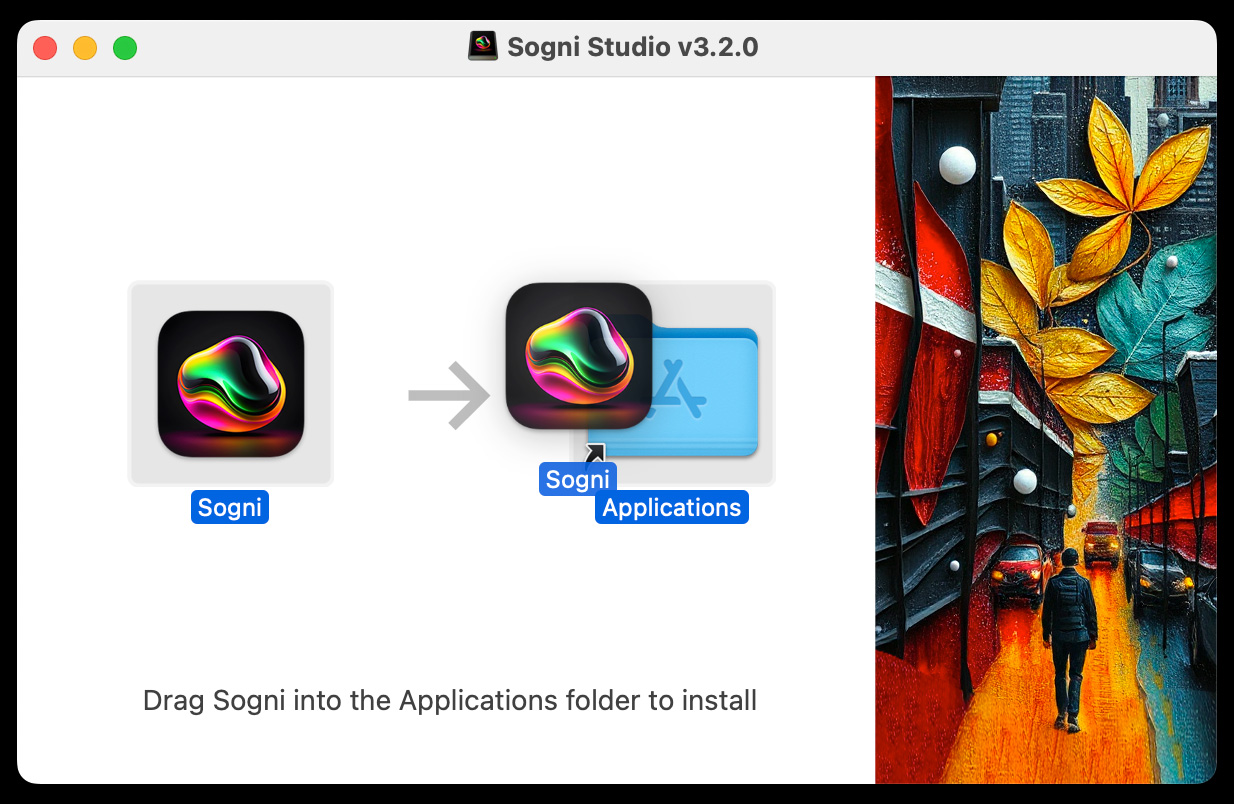
Drag Sogni into Applications Folder
Click replace to update the version of Sogni within your Applications folder.
Your Gallery and all creations saved within your gallery will be carried across to the new version of Sogni.
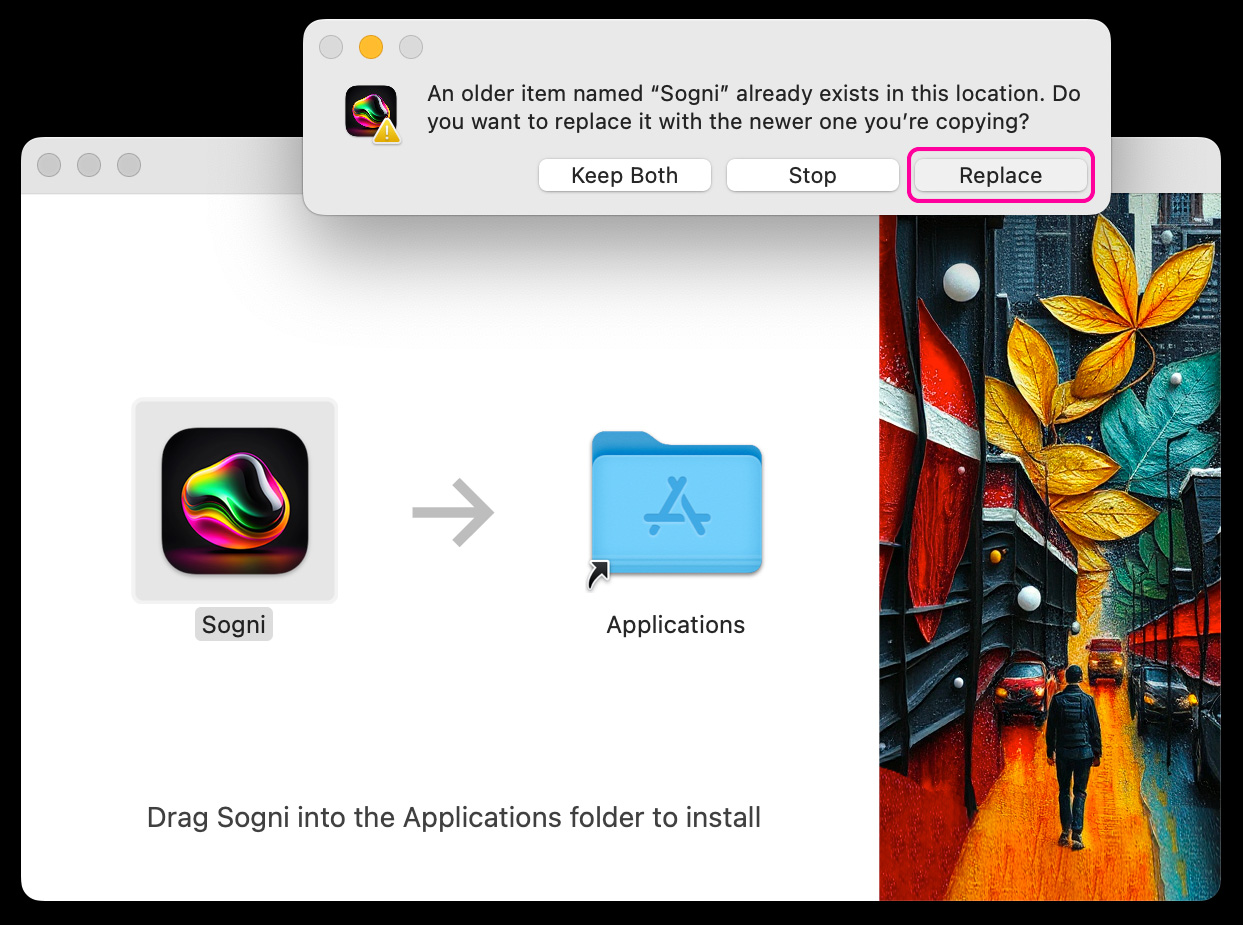
Replace Download
The final step is to right click on the Sogni Studio Disk from your Desktop and press "Eject"
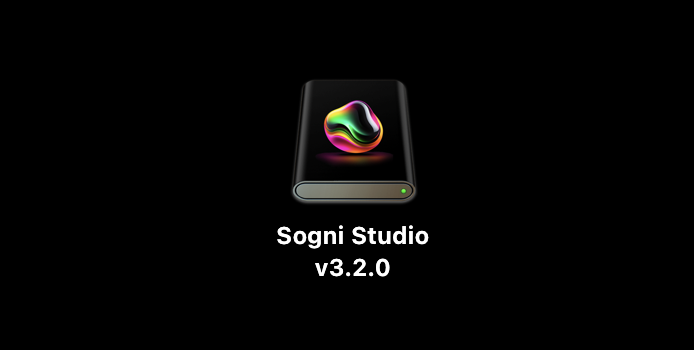
Eject Sogni Studio Disk from your Desktop
Now head to your Applications and open Sogni to enjoy the latest version of Sogni Studio ✨
Need help? Join our Discord!
For any questions regarding the use of Sogni, tips, suggestions, bugs, sharing art, discussing AI and life, or simply hanging out, please feel free to join our Discord today!
Join Sogni Discord ✨