
Creating Images
Sogni Studio's image pipeline is the deepest in the Sogni Create family. Every generation knob the web and Pocket apps expose is here, plus desktop-only controls that need more screen real estate: 9-quadrant Canvas inpainting, mask painting, batch keyframes, and stacked ControlNet with up to three Flux context images.
#What you can do
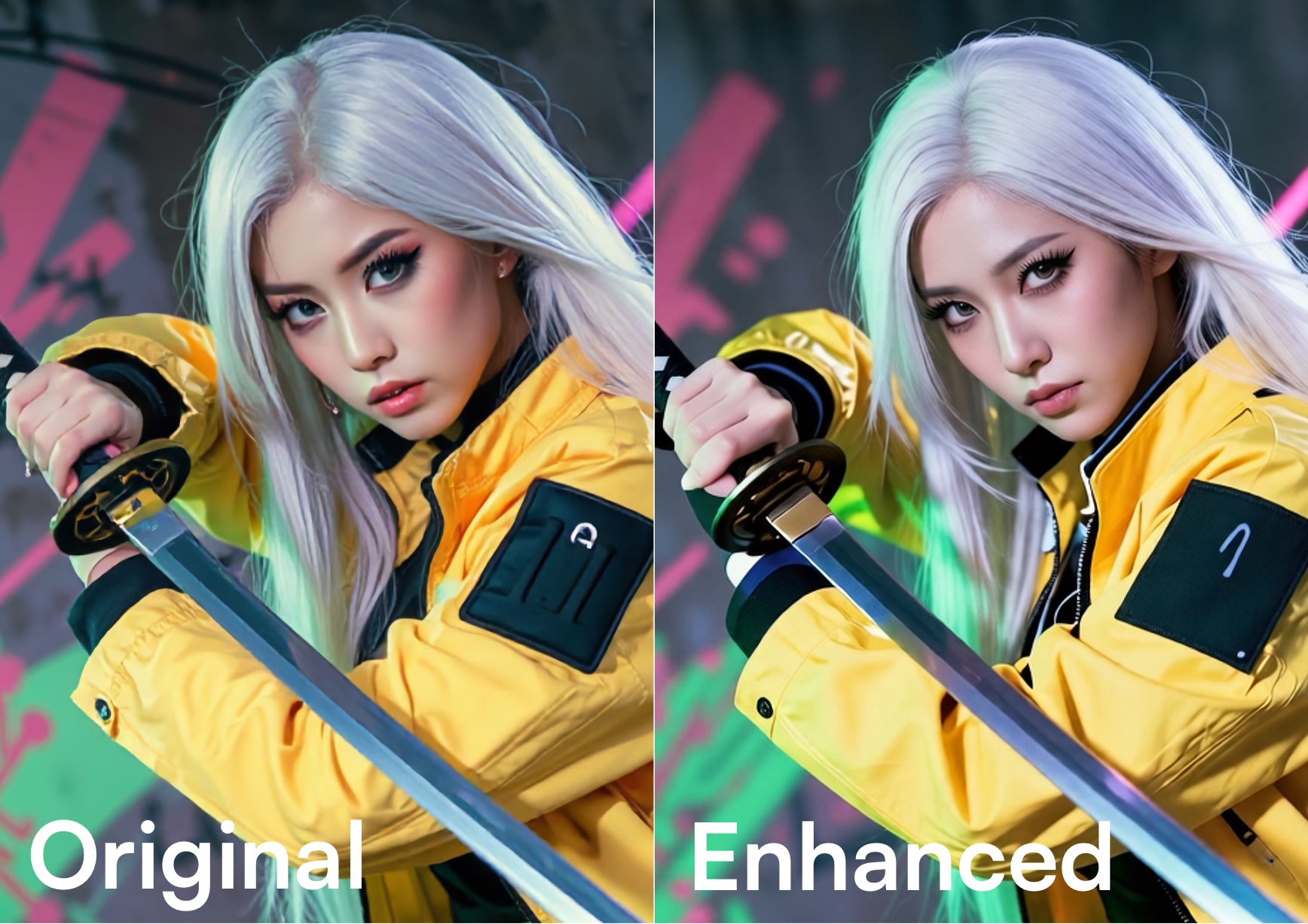
Generation Settingsguidance scale, inference steps, seed, scheduler, batch count, and dynamic-prompt templating.Guide Imagefor img2img, ControlNet for structural guidance, or multiple reference images mixed together for compositional fusion.Context-Fillwith the lasso tool, prompt-based editing via Qwen Image Edit, Canvas outpainting, Masks for targeted inpainting.Enhancing Images— a library of generative filters spanning realism, fine details, focus, blur, color, contrast, noise, resolution, and restoration. Upscaling for higher-resolution exports. Changing Perspective to re-render the same scene from a new angle.RealTime Generation (MacOS), Batch generation, and the Activity window for long jobs.
#Pick a starting point
| Starting from | Best path |
|---|---|
| Just a written idea | Prompts + Prompt Enhancer |
| A reference photo or screenshot | Guide Image or Mixing reference images |
| A pose, sketch, or depth map | ControlNet |
| An existing render you want to nudge | Context-Fill or Masks |
| A finished image that needs polish | Enhancing Images or Upscaling |
| A finished image you want to re-frame | Changing Perspective |
#Generation modes
Image generation runs in one of two modes:
Switch per job from the toolbar; some heavier models (Qwen Image Edit and LTX video) are Supernet-only.
#See also
Generation Settings— every prompt and parameter.Other Tools— Canvas, Masks, Frame-by-Frame Animation.Enhancing Images— creative enhance and generative filters.Upscaling Images— promptless NVIDIA RTX VSR through 8K or 16K, plus legacy 2K Studio upscalers.Changing Perspective— re-render from a new camera angle.Generating Batches— many variants per job.Switching Processing— choose On-Device vs Supernet.