
Preview Count
While a generation is running, Sogni Studio can render intermediate "preview" frames so you can watch the image take shape. The Preview Count setting controls how many of those previews are produced per job.
#Where to find it
In the right-hand Manual Controls sidebar, expand the Advanced section. Preview Count sits there alongside Sampler, Processing, and Sensitive Content Filter.
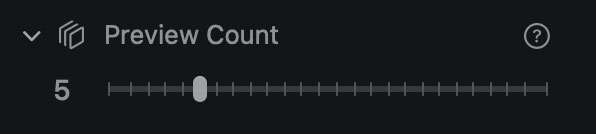
The control is a numeric slider — set how many intermediate preview images you want per generation.
#What it changes
- Higher count — more checkpoints during denoising. You see the image evolve and can cancel early if it's clearly going off-track. Costs a small amount of extra render time per preview.
- Lower count — fewer interruptions, faster total render. Best when you trust your prompt and just want the result.
- Zero — no intermediate previews. Only the final image renders.
#When to raise it
- Tuning a new prompt. Watch how composition emerges so you can stop and rewrite if the early latents look wrong.
- Expensive jobs. High-resolution image or video jobs cost more — earlier cancellation saves Spark.
- LCM / fast models. With 2–8 step models you only get a couple of previews regardless; one or two is plenty.
#When to lower it
- Batch generation. Per-preview overhead multiplies across a batch.
- Production renders. When you've locked in settings and just want the result.
- Slow on-device generation. Each preview adds a CoreML pass — on smaller Macs the overhead is noticeable.