
Installing Sogni Studio Pro
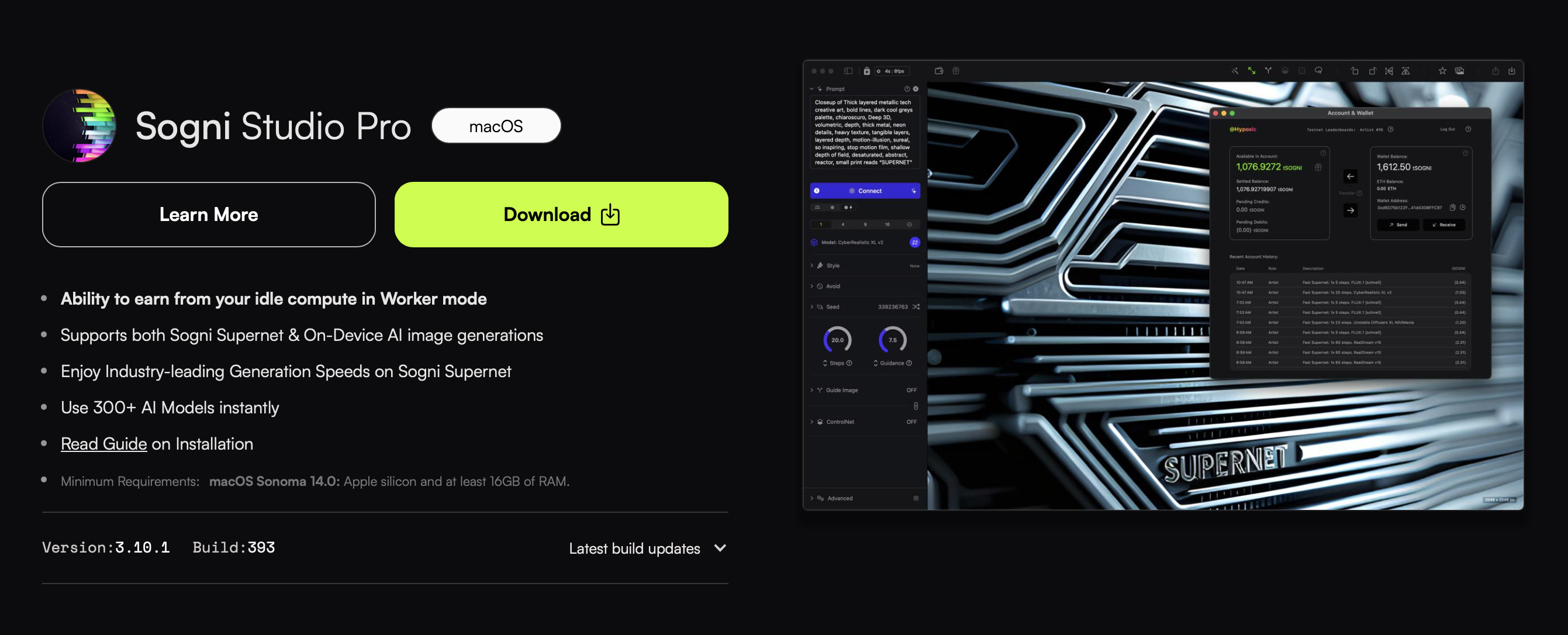
To download Sogni Studio Pro onto your Mac, head to sogni.ai/download
Click the Download button for Sogni Studio Pro and download onto your Mac.
Sogni Studio Pro disc image
Once downloaded, open the dmg file on your Mac. You will be prompted to review and agree to our Privacy Policy.
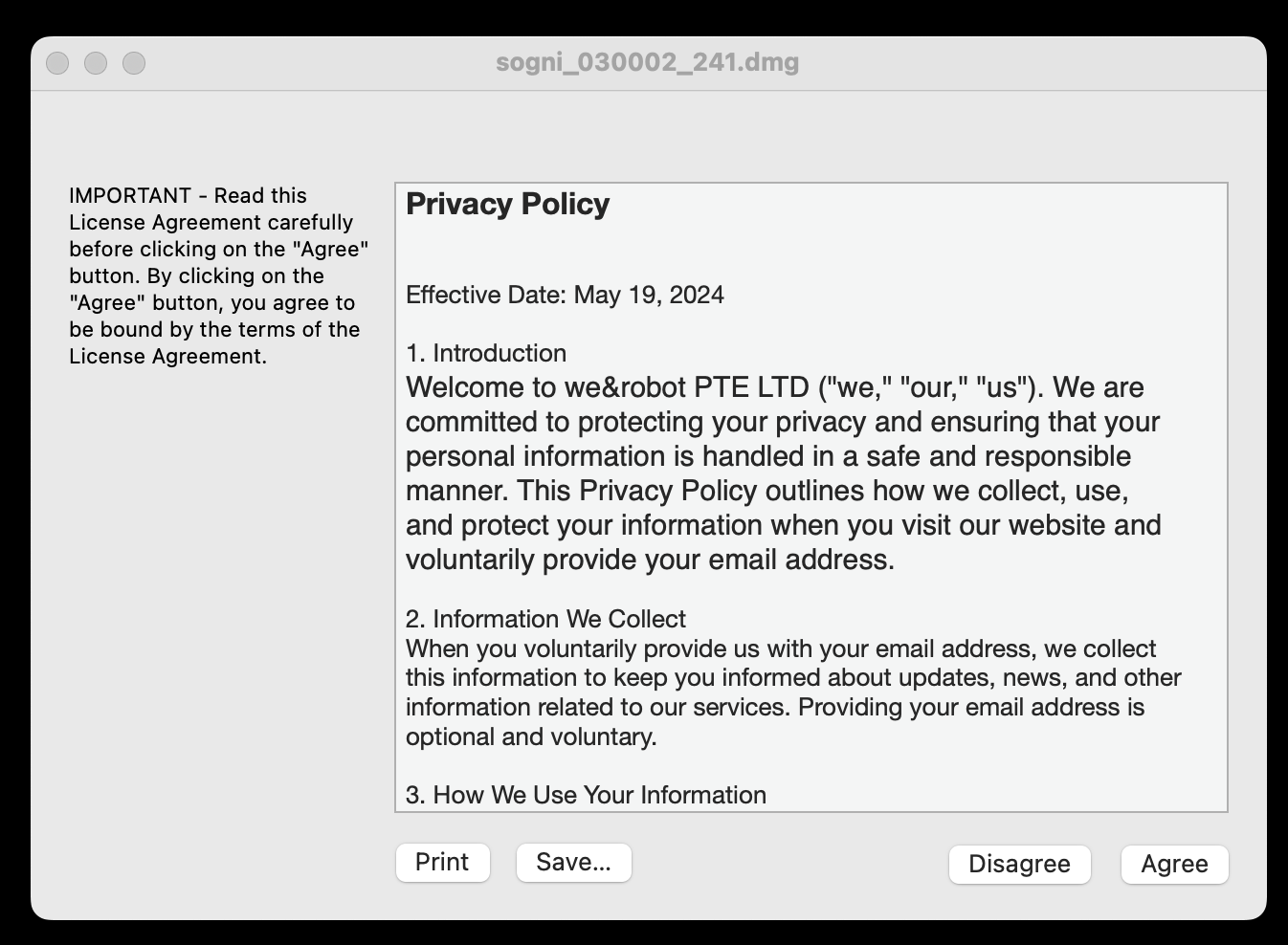
Review and Approve Privacy Policy
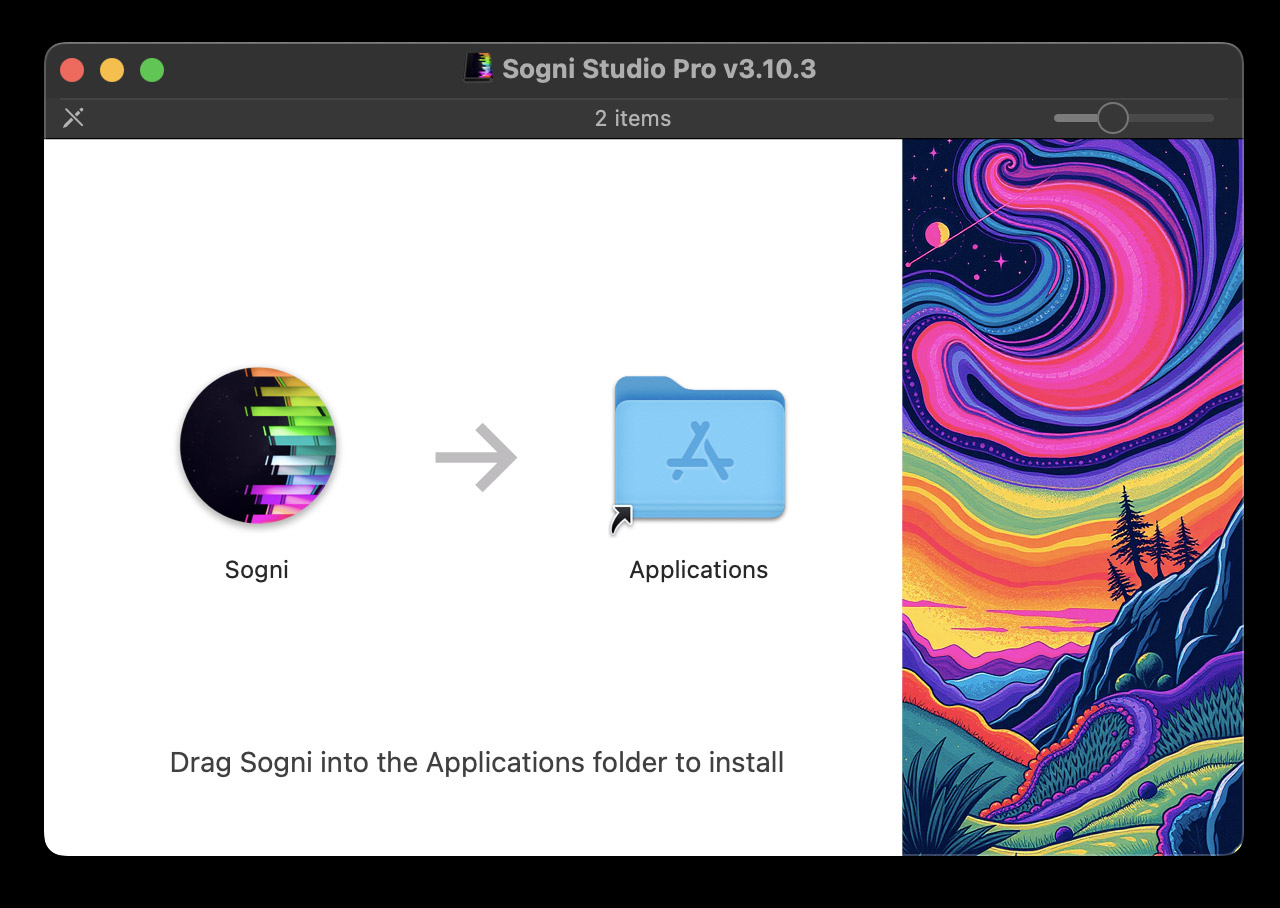
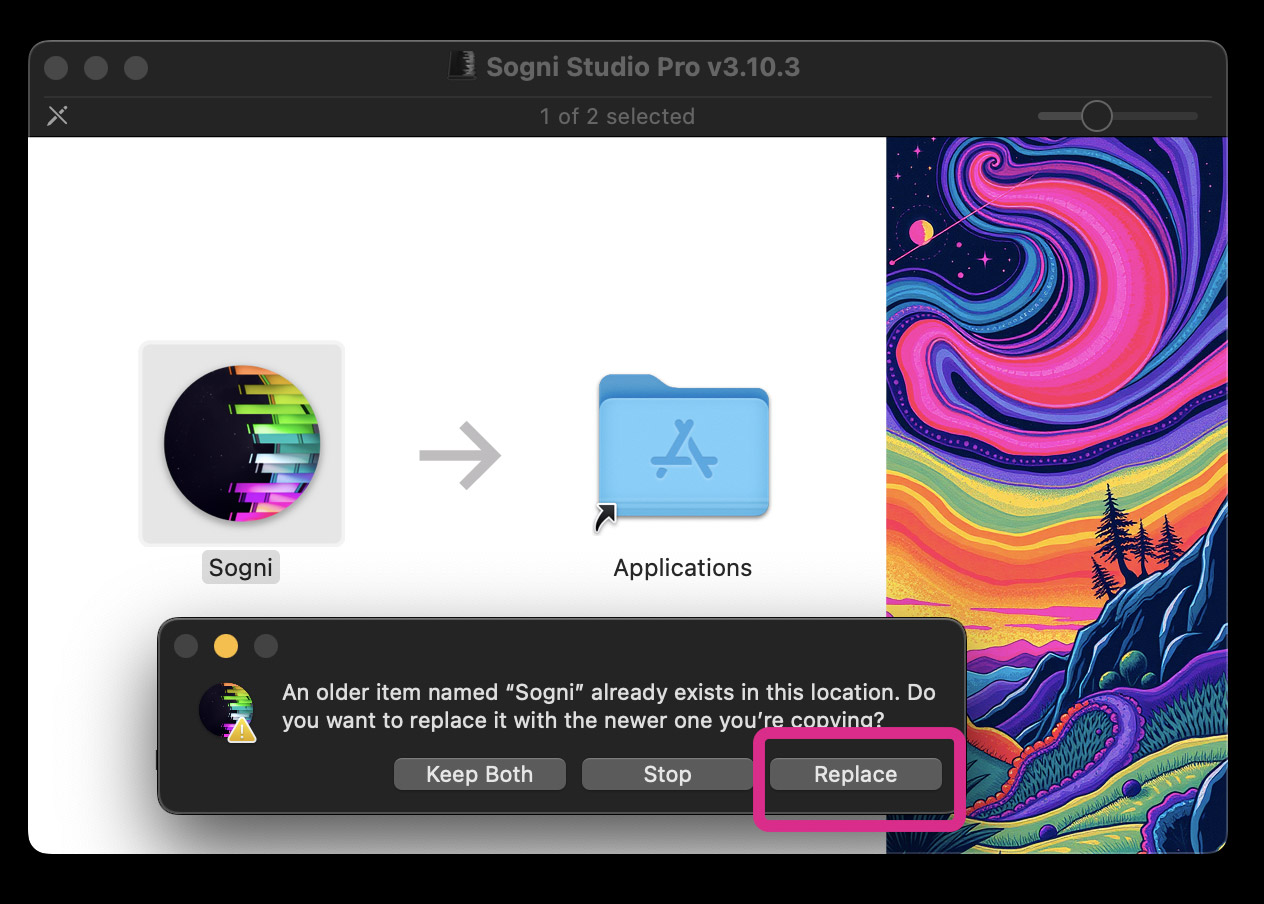
Next, drag Sogni into your Applications folder to install.
If you have previously installed Sogni Studio on your Mac, or are updating your version of Sogni, you will see this alert where you need to click "Replace"
Head to your applications folder and click on Sogni to open.
Note 1: If you are updating from a previous version of Sogni Studio installed via the App Store or TestFlight, you may see a dialog warning that the previous version could not be replaced.
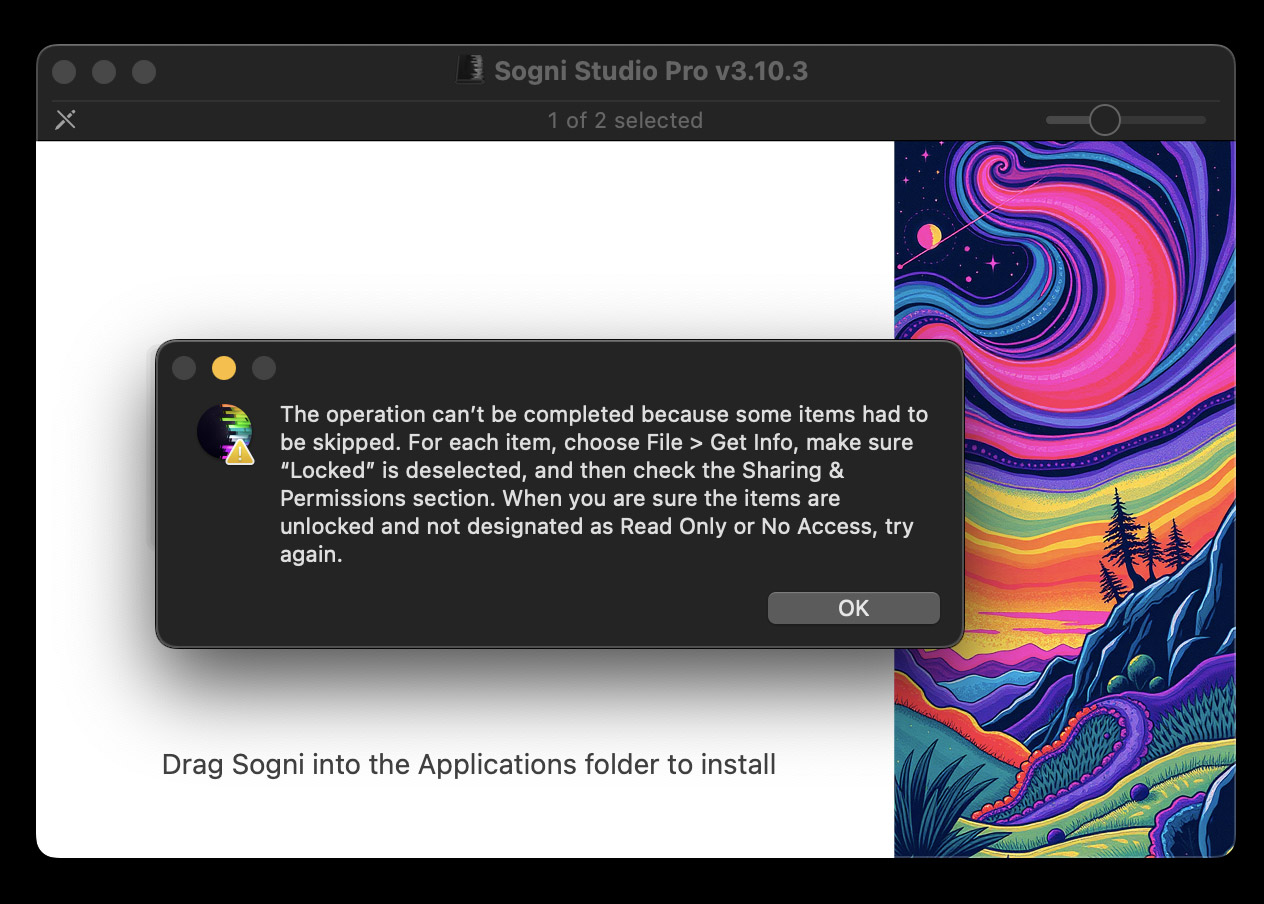
To fix this, delete the existing version of Sogni from your Applications folder. Don’t worry—you won’t lose any of your data or saved images. Then, try installing the new version of Sogni Studio Pro by dragging it into your Applications folder.
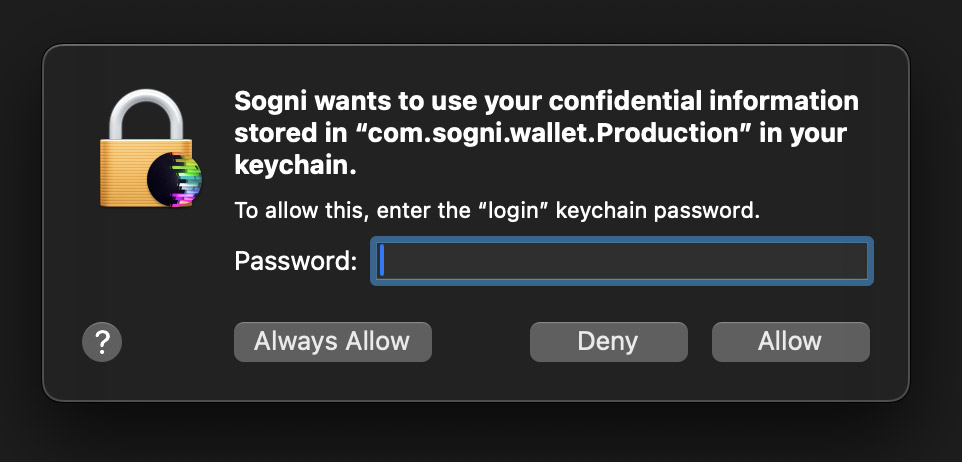
Note 2: If you are updating from a previous version of Sogni Studio installed through the App Store or Testflight, you may get a few of these dialogs in a row. Enter your device password and click "Always Allow"
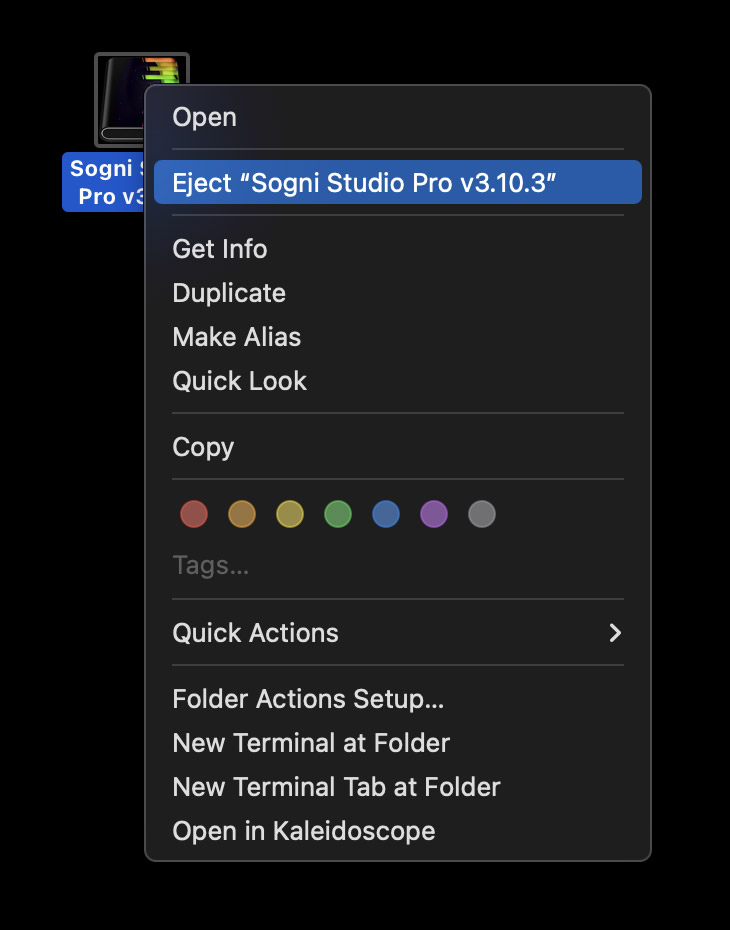
Once successfully installed, eject the disk image from your mac
Now you're ready to create your account! Head to our guide on creating your account:
Need help? Join our Discord!
For any questions regarding the use of the Sogni apps, tips, suggestions, bugs, sharing art, discussing AI and life, or simply hanging out, please feel free to join our Discord today!
Join Sogni Discord ✨