
Preprocessors
A preprocessor takes the image (or video) you've loaded into the ControlNet panel and converts it into the kind of cue your chosen ControlNet model expects: a depth map, a pose skeleton, an outline drawing, a segmentation mask, or a set of face landmarks. The preprocessor row sits just to the left of your reference image in the ControlNet panel.
You can preview each preprocessor's output before generating — useful for confirming the cue is what you wanted before you spend Spark on a render.
#Available preprocessors
| Preprocessor | What it produces | Pair with |
|---|---|---|
| Face Capture | Facial landmark map | OpenPose CN model |
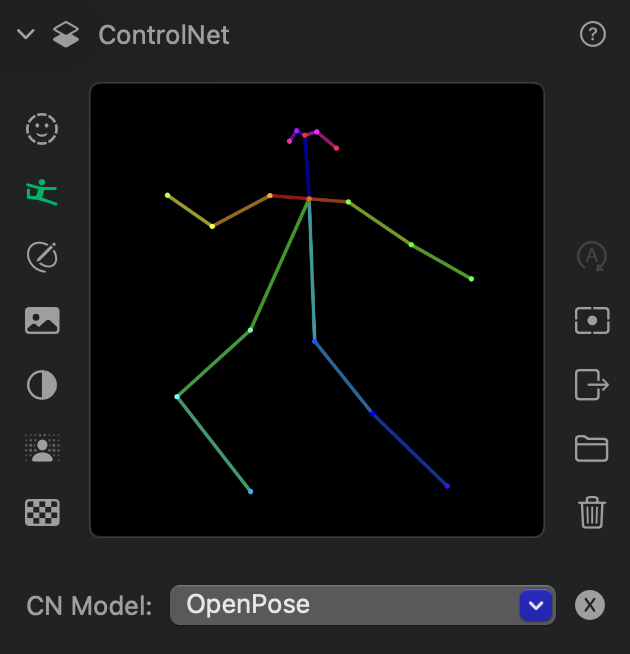
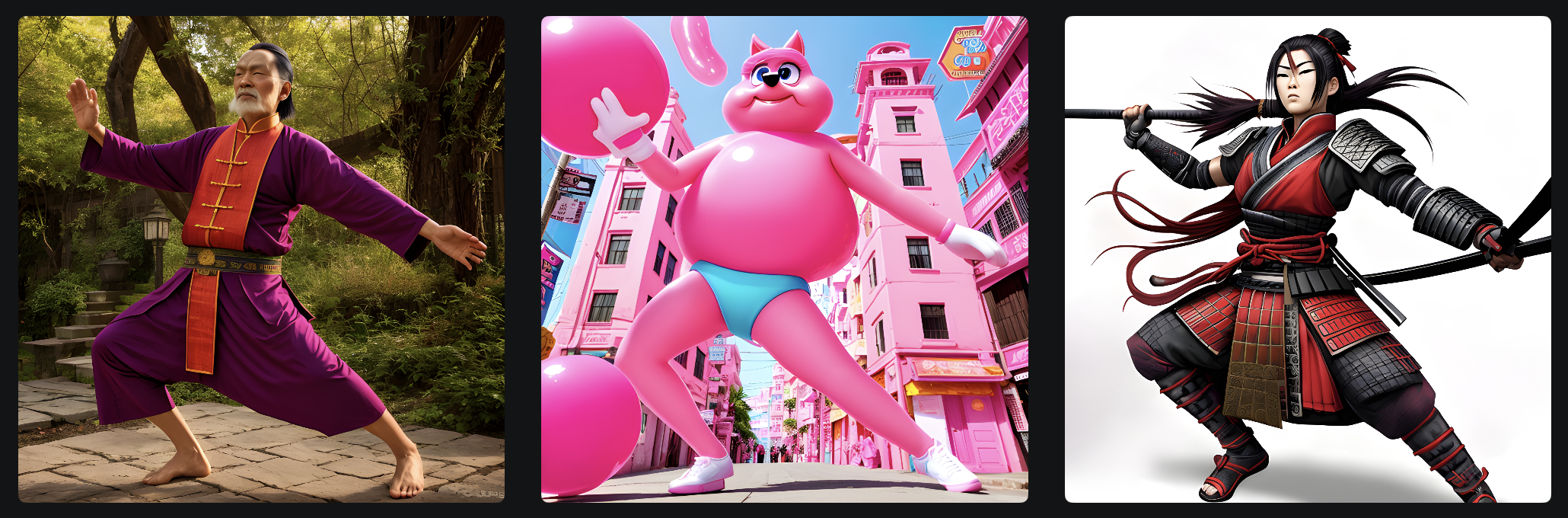
| Pose Capture | OpenPose-style joint skeleton | OpenPose CN model |
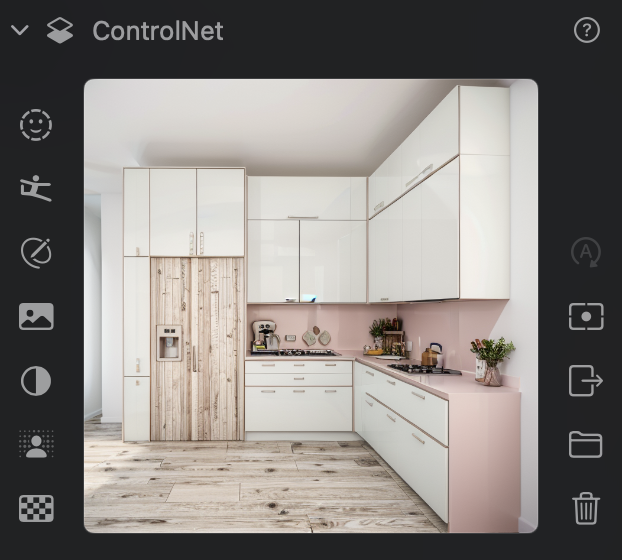
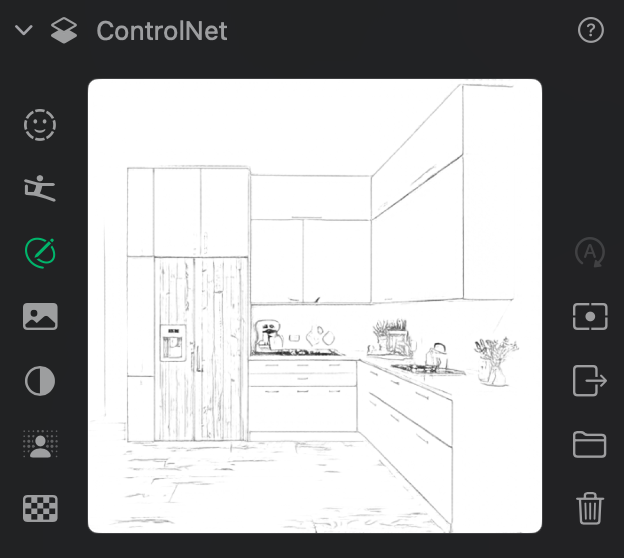
| Sketch / Outline | Anime-style outline drawing | Canny, LineArt, LineArt Anime, M-LSD, Scribble, SoftEdge, Segmentation, Depth, Normal Bae |
| Depth Map | MiDaS-based depth estimation | Depth CN model |
| Segmentation | Class-labeled region map (U2Net / IS-Net) | Segmentation CN model |
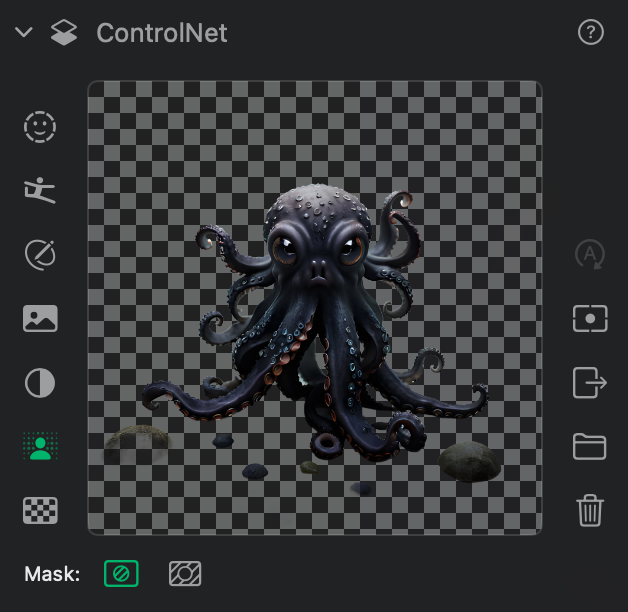
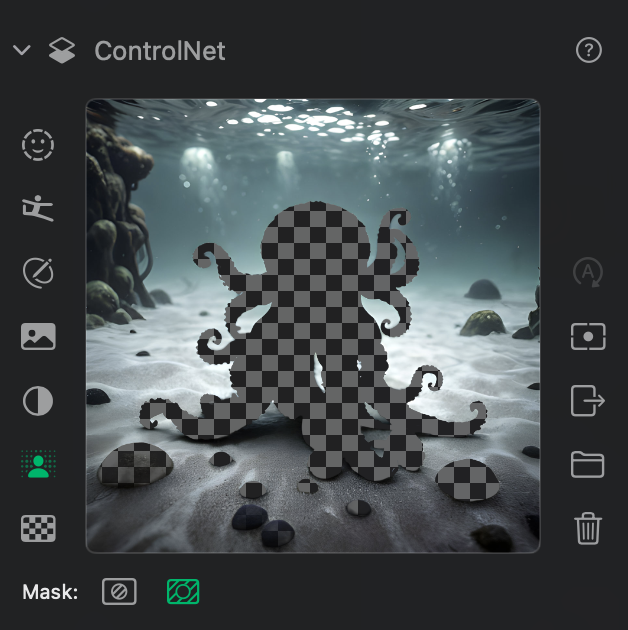
| RMBG (Background Removal) | Subject isolated from background | Segmented Subject / Segmented Background CN |
| Invert | Inverts colors (white↔black) | Use after Sketch / Outline for line drawings |
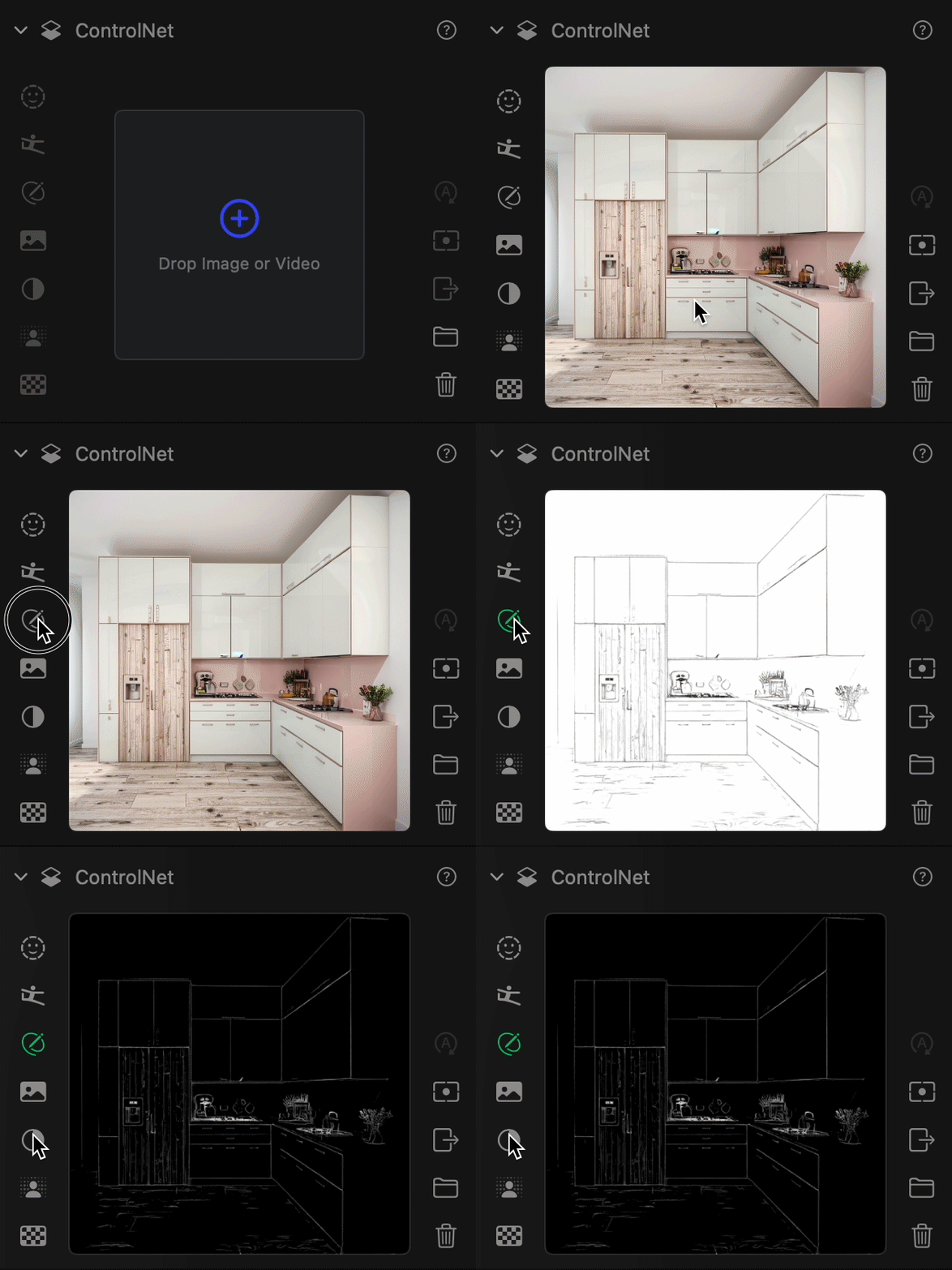
Multiple preprocessors can be chained — for example, Sketch + Invert turns a photo into white lines on a black background, which is what Canny / LineArt models expect.
#On-device preprocessor models
When you run on-device, the preprocessing step itself runs locally on your Mac. Sogni Studio lazy-loads these small models the first time you use a given preprocessor:
| Model | Size | Used for |
|---|---|---|
anime2sketch |
200 MB | Sketch / Outline preprocessor |
midas_small |
61 MB | Depth Map preprocessor |
is_net |
163 MB | IS-Net segmentation |
u2_net |
165 MB | U2Net segmentation |
u2_netP |
4 MB | Lightweight segmentation variant |
RMBG |
165 MB | Background removal |
If you only ever render on Supernet, you don't need any of these — preprocessing runs on the worker.
#Face Capture
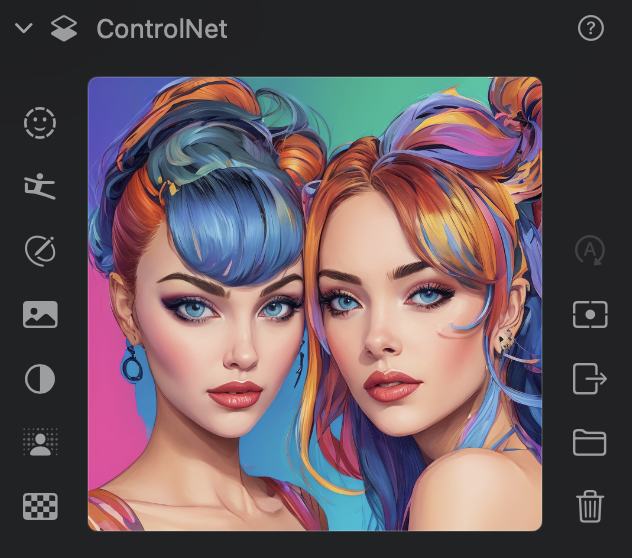
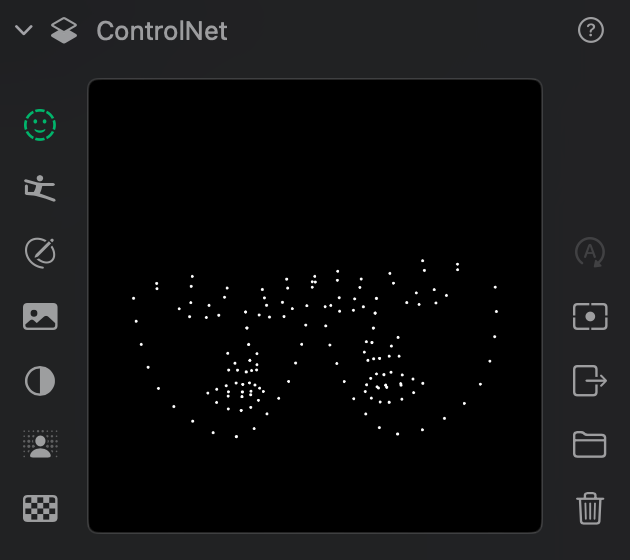
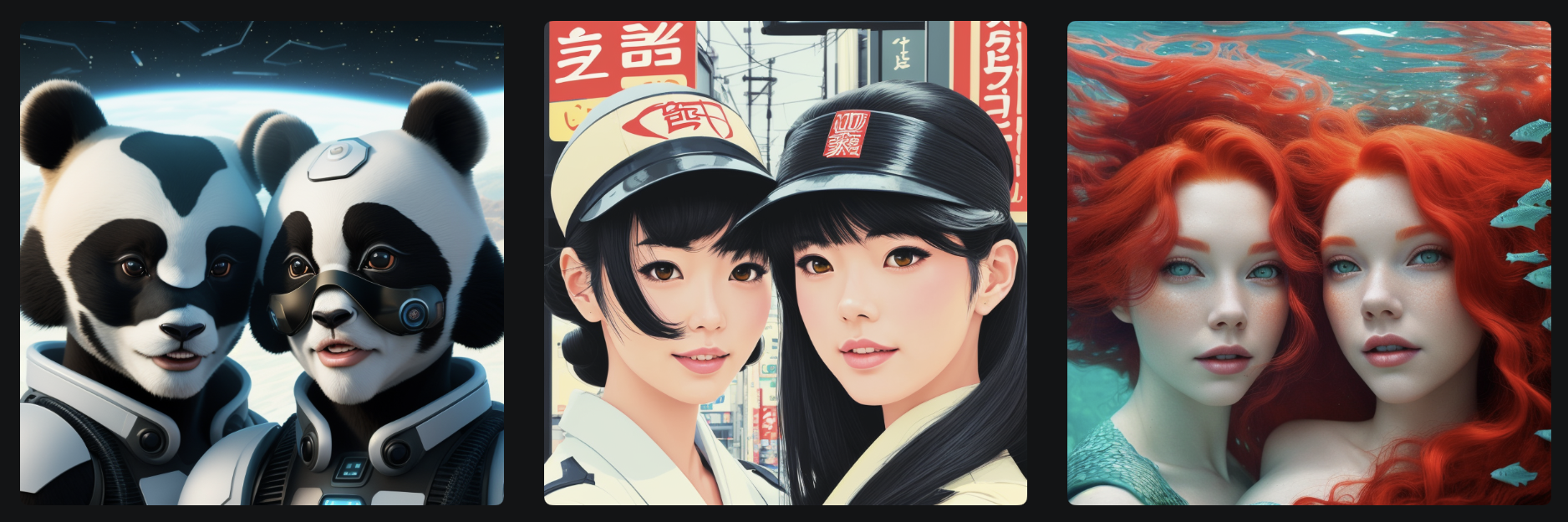
Locates all faces in the reference, detects landmarks, and emits a facial landmark map. Pair with the OpenPose ControlNet model to transfer expressions and head orientation. Works with one or more faces and can run together with Pose Capture for full body + face control.

| Reference image | Face Capture output |
|---|---|
 |
 |
#Pose Capture
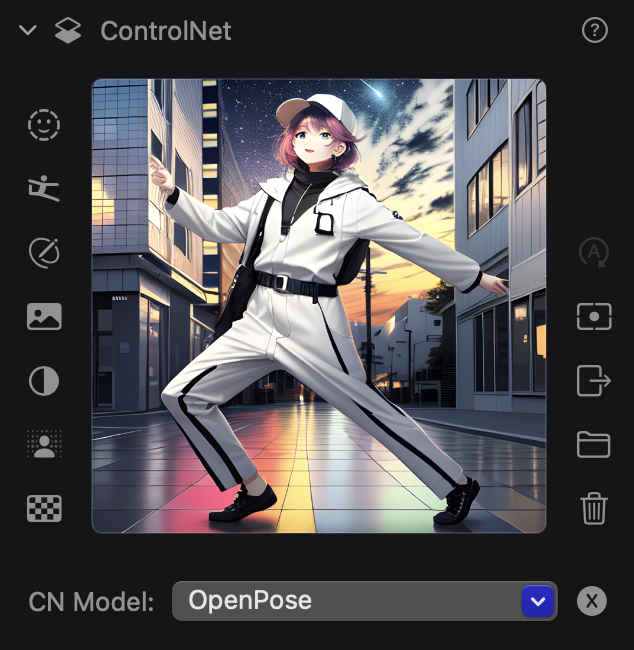
Detects human subjects and extracts an OpenPose bone-joint skeleton. Pair with the OpenPose ControlNet model to lock the pose of a generated subject. Combine with Face Capture to lock pose and expression in a single generation.

| Reference image | Pose Capture output |
|---|---|
 |
 |
#Sketch / Outline
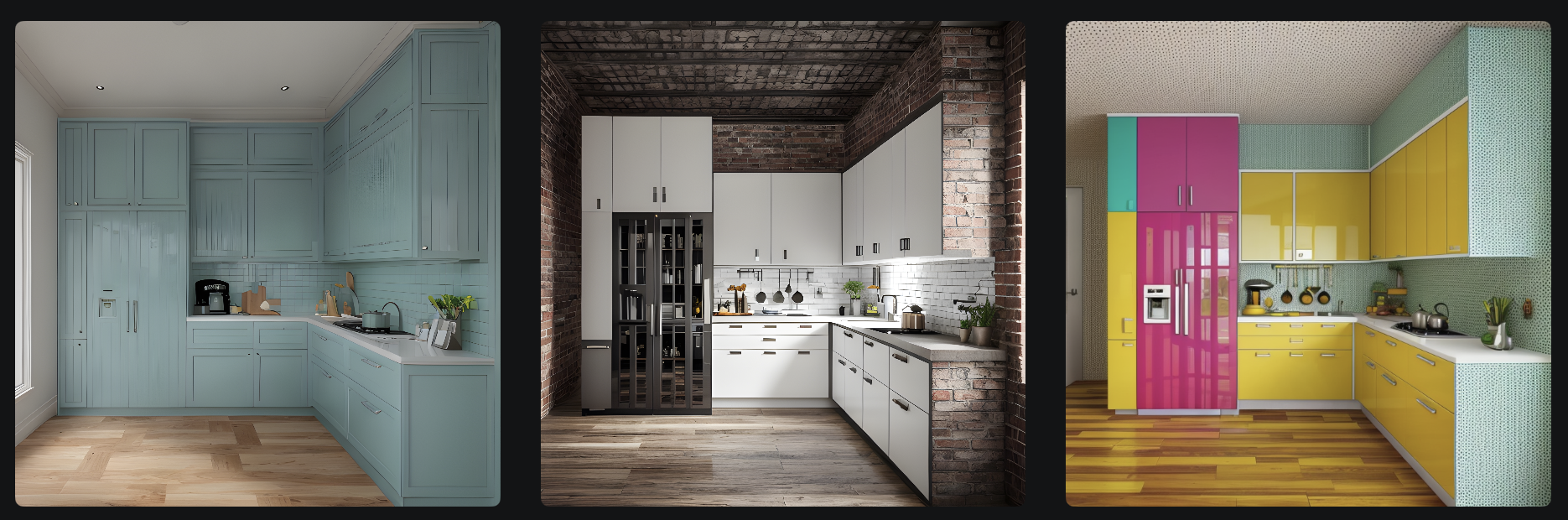
Converts a reference into a sketch-style line drawing. For best results, follow with Invert so you get white lines on a black background — what Canny, LineArt, and Scribble models are trained on.
Sketch works well with: Depth, LineArt, LineArt Anime, M-LSD, Normal Bae, Scribble, Segmentation, SoftEdge.

| Reference image | Sketch / Outline output |
|---|---|
 |
 |
#Depth Map
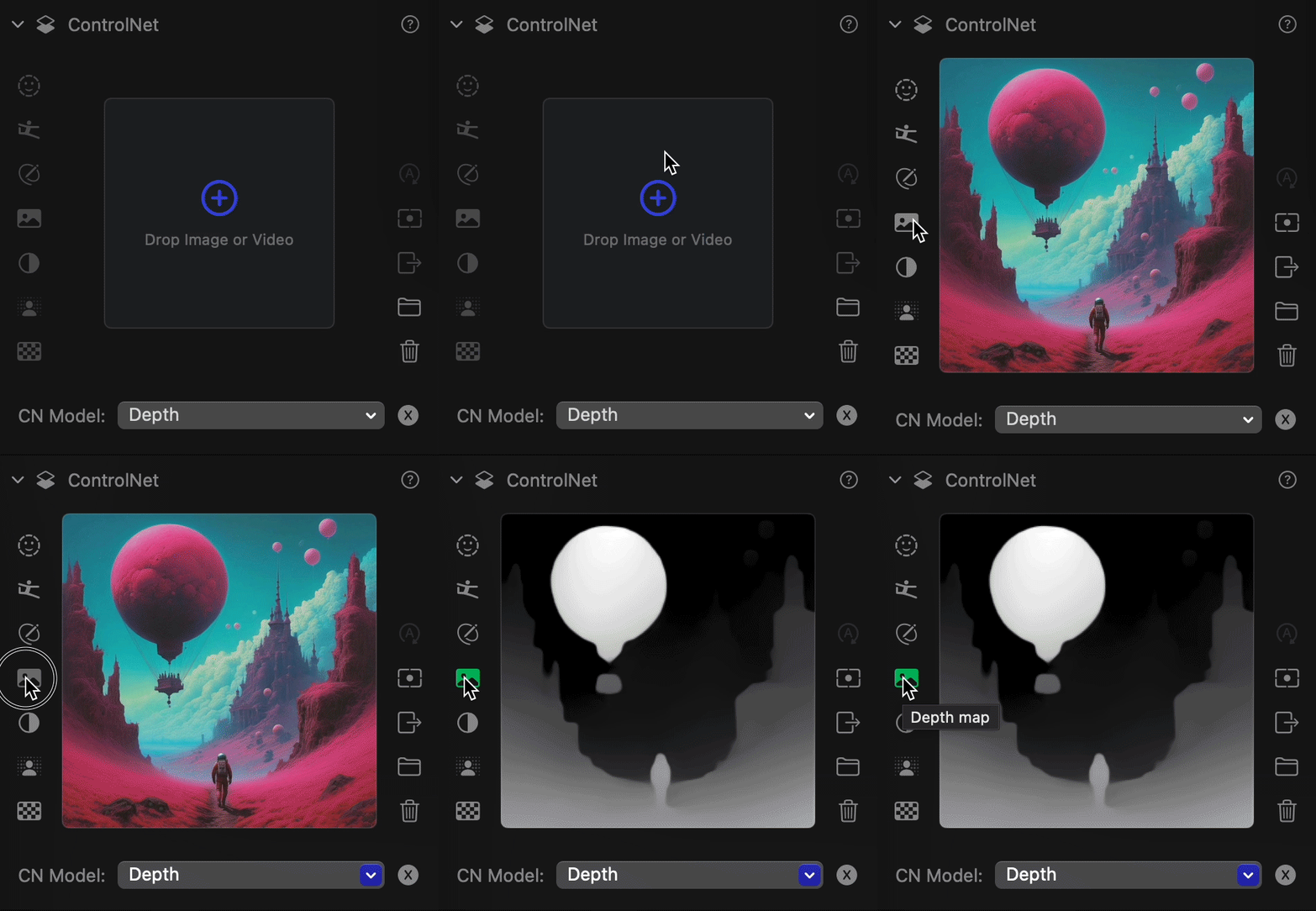
Runs MiDaS depth estimation locally (or its equivalent on Supernet) and produces a grayscale depth image. Pair with the Depth ControlNet model. Best for compositions where 3D structure matters — interiors, landscapes, portraits with strong foreground/background separation.


#Segmentation
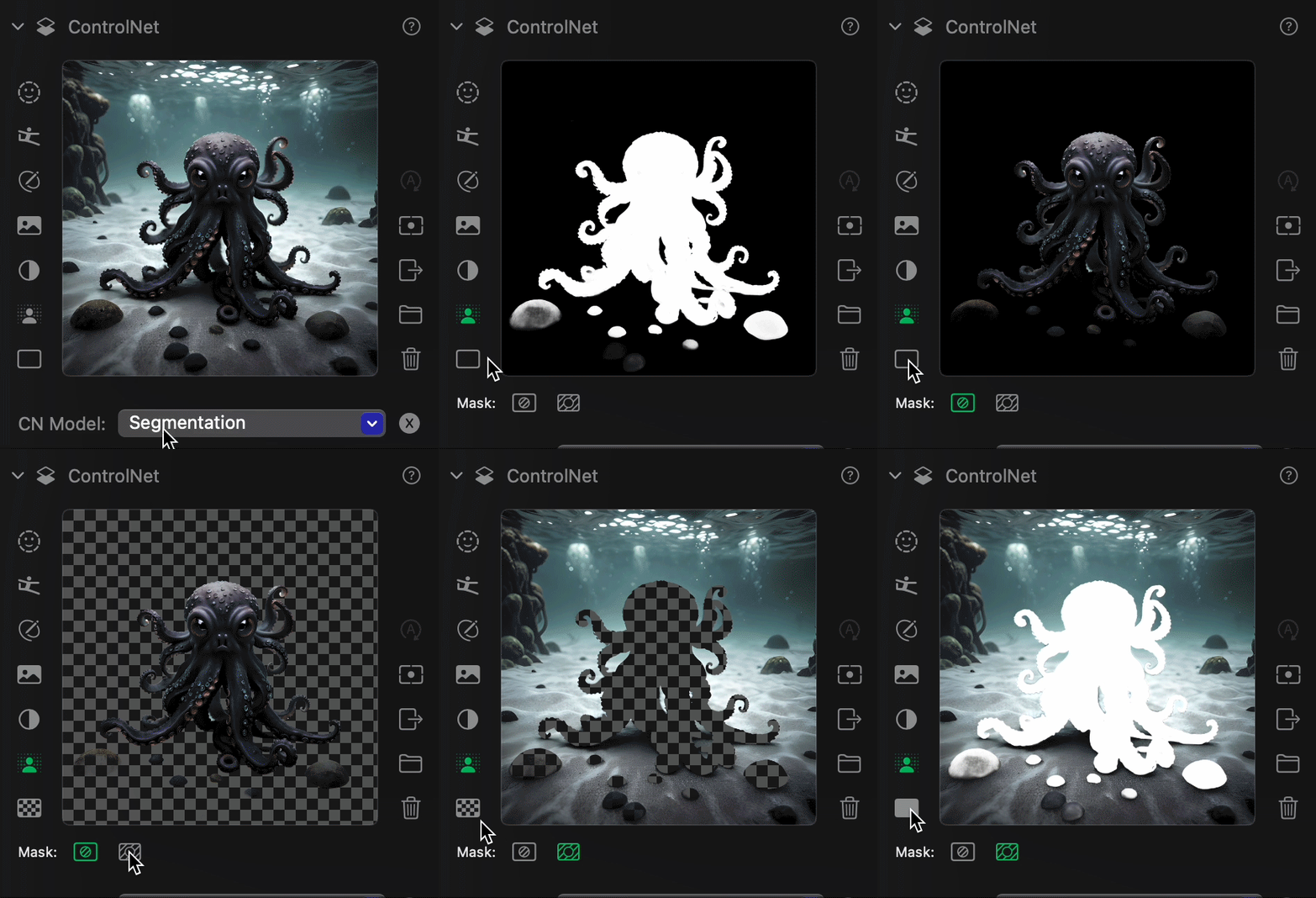
Splits the reference into labeled regions — sky, person, vehicle, building, etc. — using U2Net or IS-Net under the hood. Pair with the Segmentation ControlNet model to lock spatial layout while changing the content of each region via prompt.

#Subject-only mask

#Background-only mask

#RMBG (Background Removal)
Isolates the foreground subject from the background. Used to feed either:
- Segmented Subject ControlNet — render the subject as-is, regenerate the background.
- Segmented Background ControlNet — keep the background, regenerate the subject.
Useful for character-on-new-environment shots and background swaps.
#Invert
Not a real preprocessor — flips the colors of whatever's currently shown. Apply after Sketch / Outline when working with Canny, LineArt, or Scribble models.


#Tips
- Preview before you render. The preprocessor preview is the cue that ControlNet actually sees. If the depth map looks flat or the pose skeleton missed limbs, the render will reflect that — fix at the preprocessing stage.
- Crop the reference first. If your reference has multiple subjects but you only want one, crop down so preprocessors lock onto the target.
- Lower frame rates for video. Video ControlNet preprocessing scales linearly with frame count — drop to 12 or 16 FPS if you only need motion direction, not every micro-movement.