
Model Storage & Deleting Models
Sogni Studio downloads on-device model packs to disk and keeps them across sessions. Manage where they live and which ones stick around from this page.
#Where models are stored
By default, models live in an sd-models folder inside Sogni Studio's sandboxed Application Support container. The exact path is opaque (it's inside the sandbox), but you don't need to know it — the Model Explorer's folder icon (next to the search field while viewing All Models) opens Finder straight to that folder.
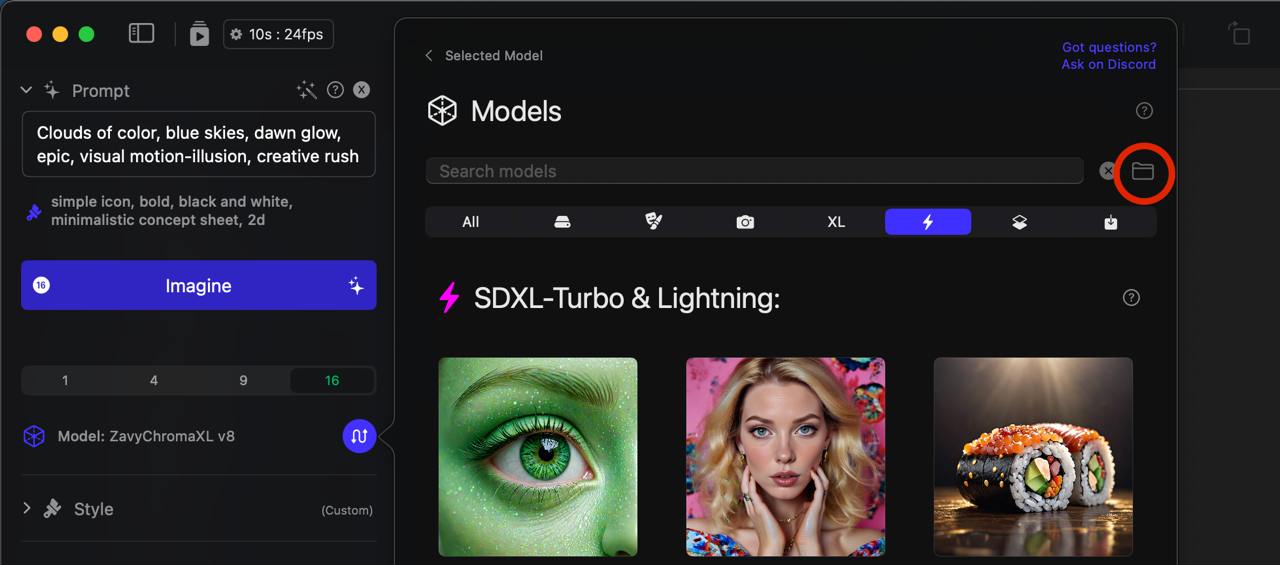
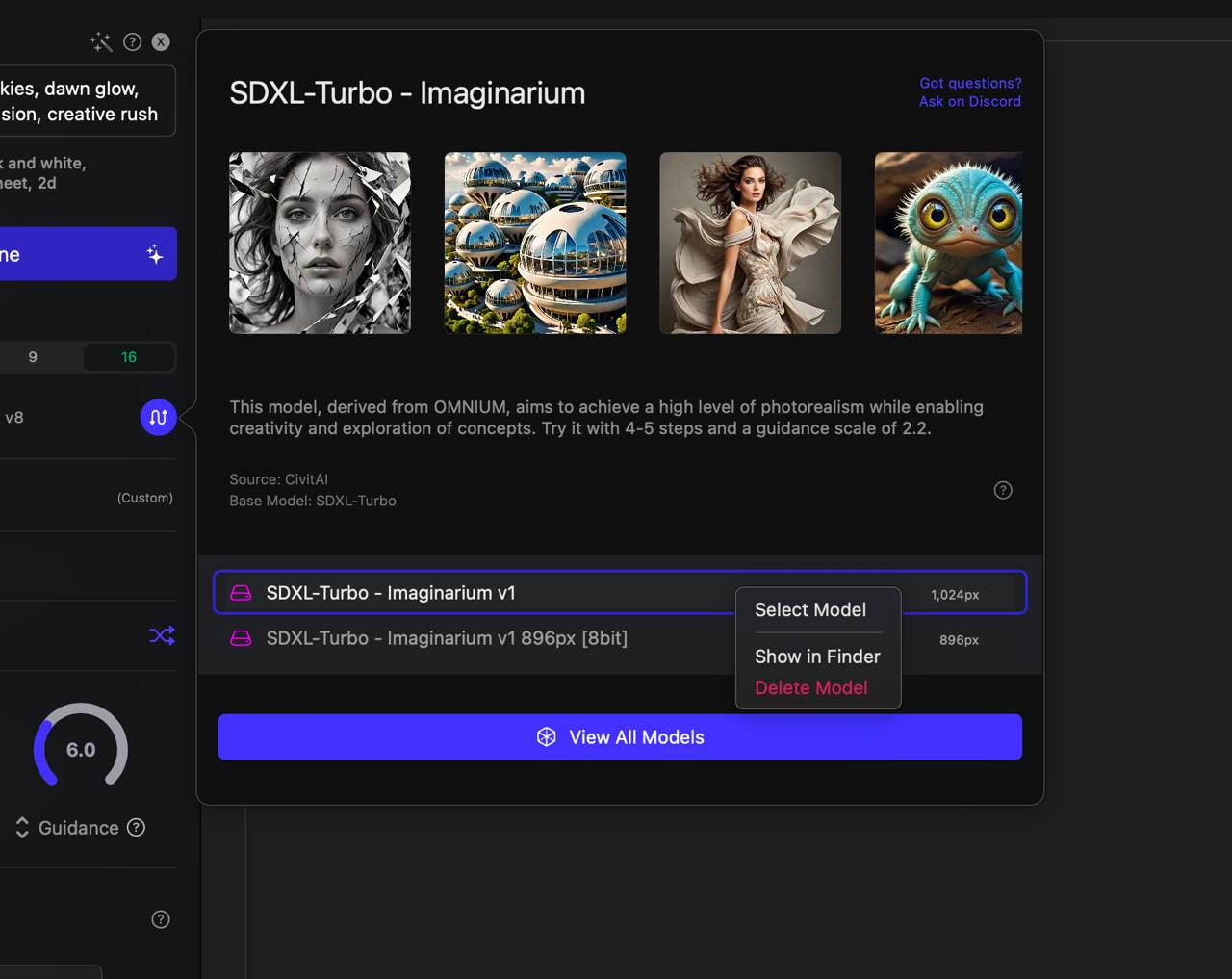
You can also right-click any model in the Model Explorer and choose Show in Finder.
#Show a specific model in Finder
Right-click a model in the Model Explorer and choose Show in Finder. The same right-click menu has Delete for removing a model immediately.
#Move the library to another drive
If your boot drive is filling up — Flux and SDXL model packs are multi-gigabyte — point Sogni at an external or secondary drive:
- Open Sogni → Settings → Storage.
- Use the sd-models folder picker to choose your new location.
- Studio moves existing downloads to the new path; subsequent downloads land there too.
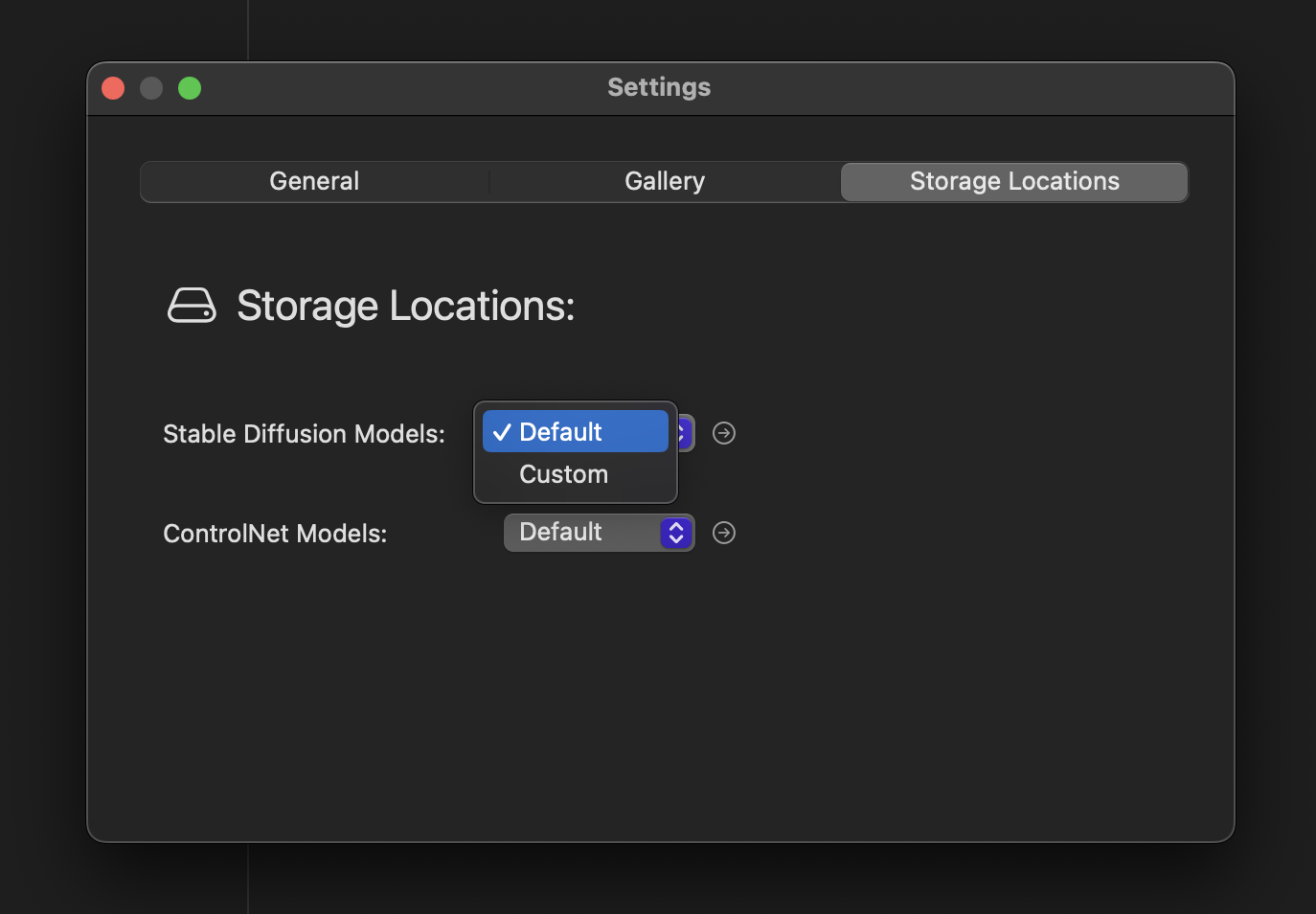
The same Storage tab also lets you relocate the ControlNet model folder and the Gallery folder. Keeping models on an external SSD is the typical setup for serious local generation work.
#Background queue storage cap
The background queue has a configurable maximum folder size (default 30 GB). This caps how much intermediate / queued job data Studio keeps on disk before it starts evicting completed-and-saved results. Adjust the slider in Settings → Storage.
#Deleting models
Three ways to remove a model:
- Model Explorer right-click → Delete. Removes immediately from the local library.
- Finder. Open the
sd-modelsfolder via the folder icon, drag a model folder to Trash. - Auto-cleanup. If a download was interrupted, Studio surfaces an "incomplete" badge — right-click → Delete to clean it up before redownloading.
Deleting an on-device model never affects Supernet rendering of the same model; that runs on Sogni workers, not your disk.
#ControlNet models
ControlNet weights are stored in their own folder alongside sd-models. The same Settings → Storage tab lets you relocate them. ControlNet models only need to live on disk when you're rendering on-device — Supernet jobs use the network's copy.