
Changing Perspective
Re-renders your image from a new camera angle, while keeping the subject and overall style consistent.
Perspective changes are relative to the original image viewpoint (not an absolute camera).
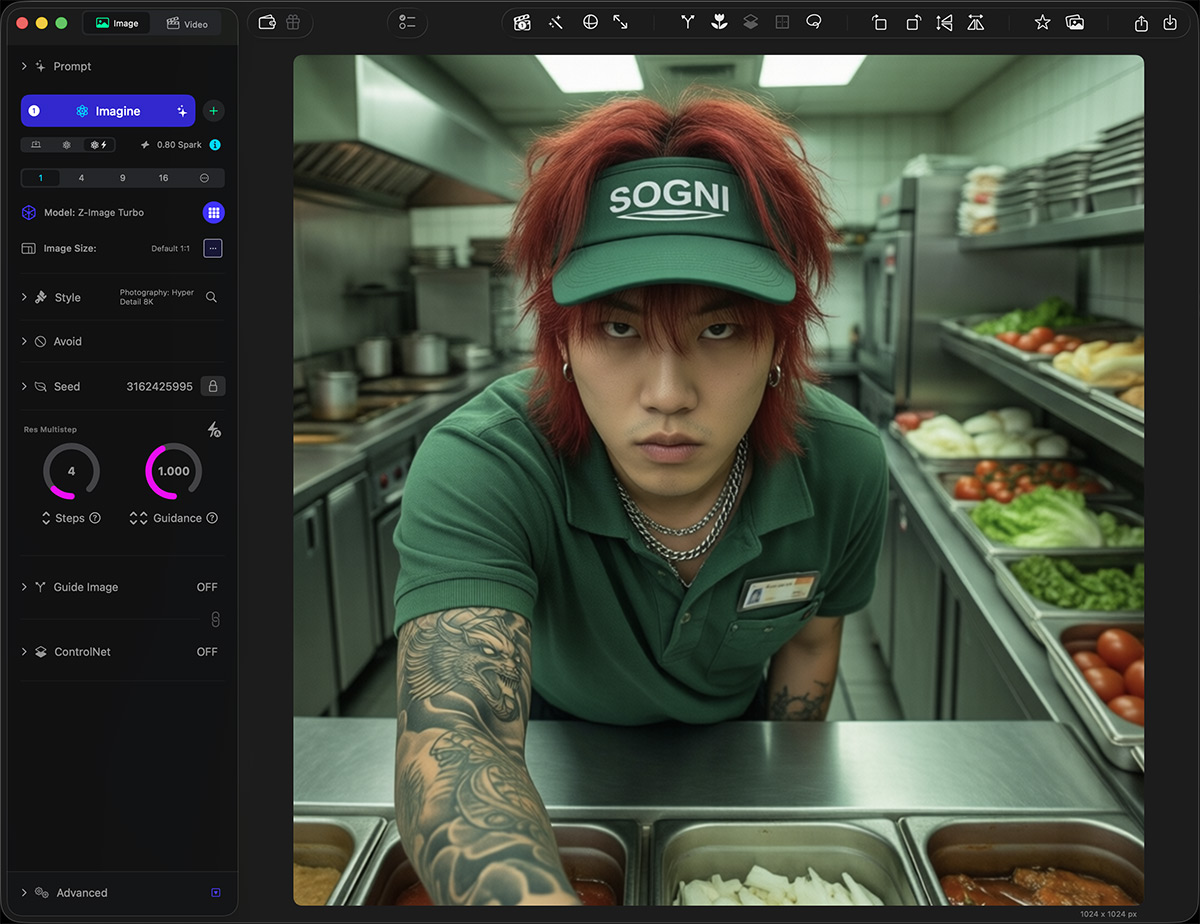
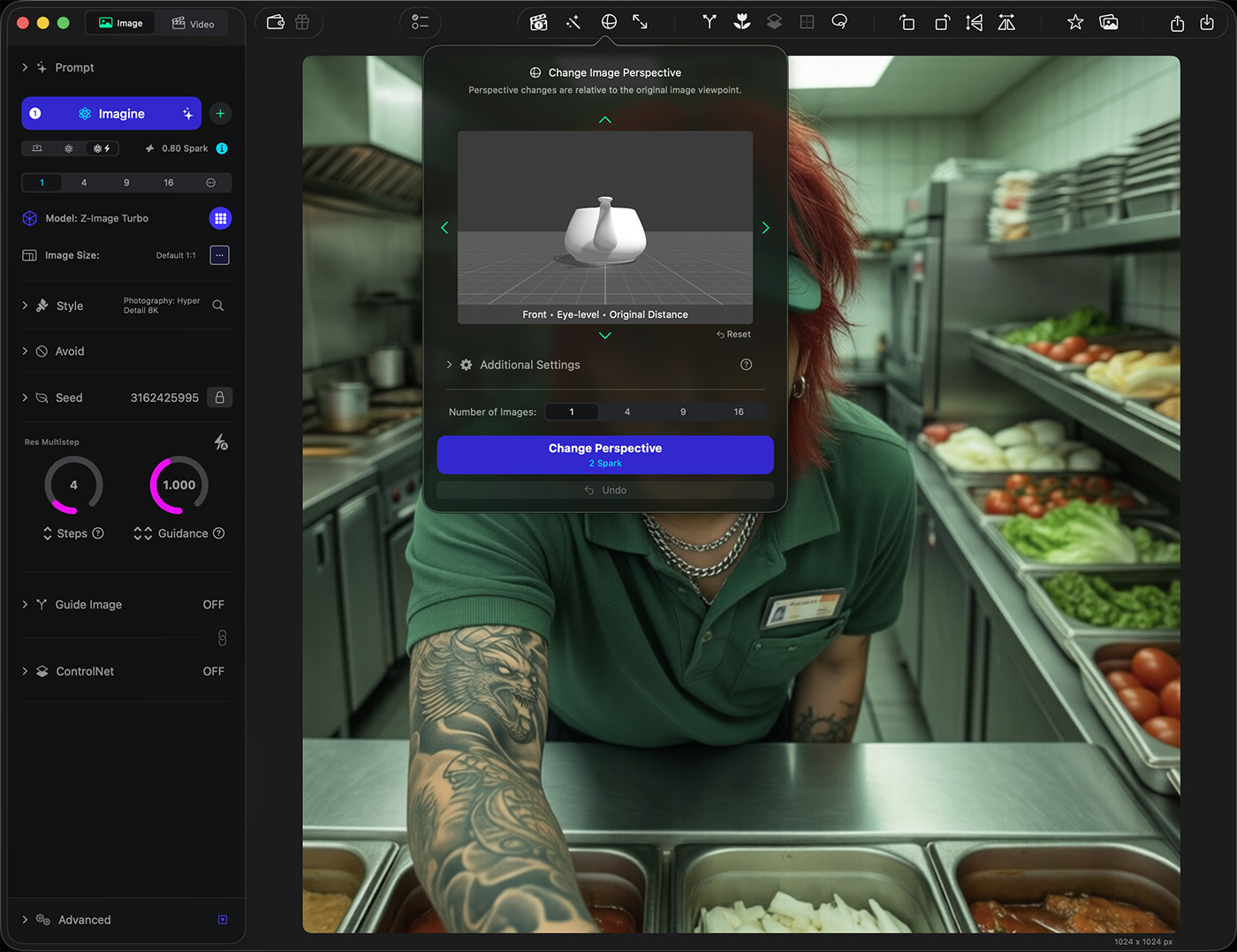
Select Perspective from the toolbar.
Use the preview to choose an angle:
Distance: closer or wider framing
Orientation: where the camera moves around the subject (Front / Left / Right / Back + diagonals)
Elevation: camera height (Low → High)
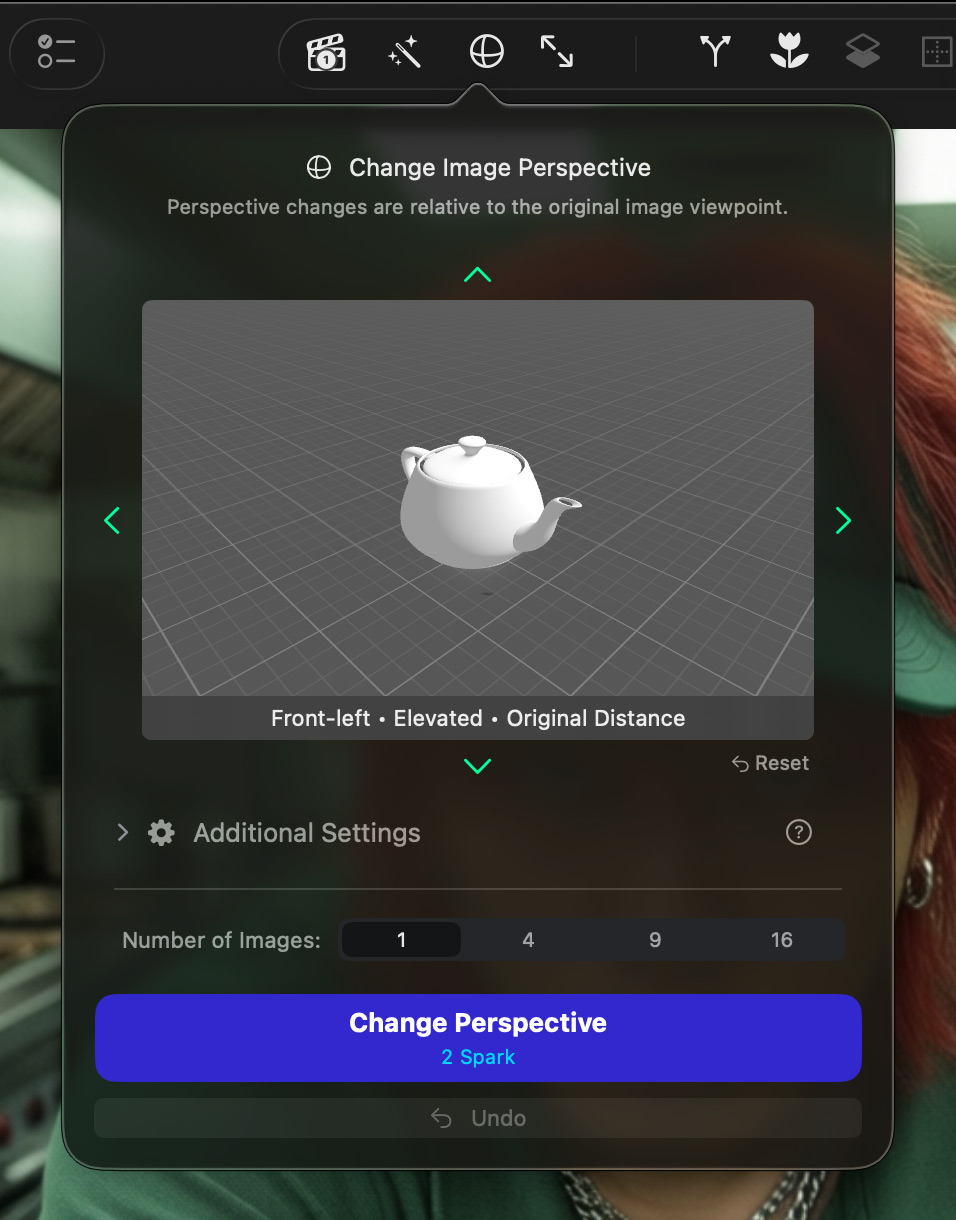
Perspective controls (simplified)
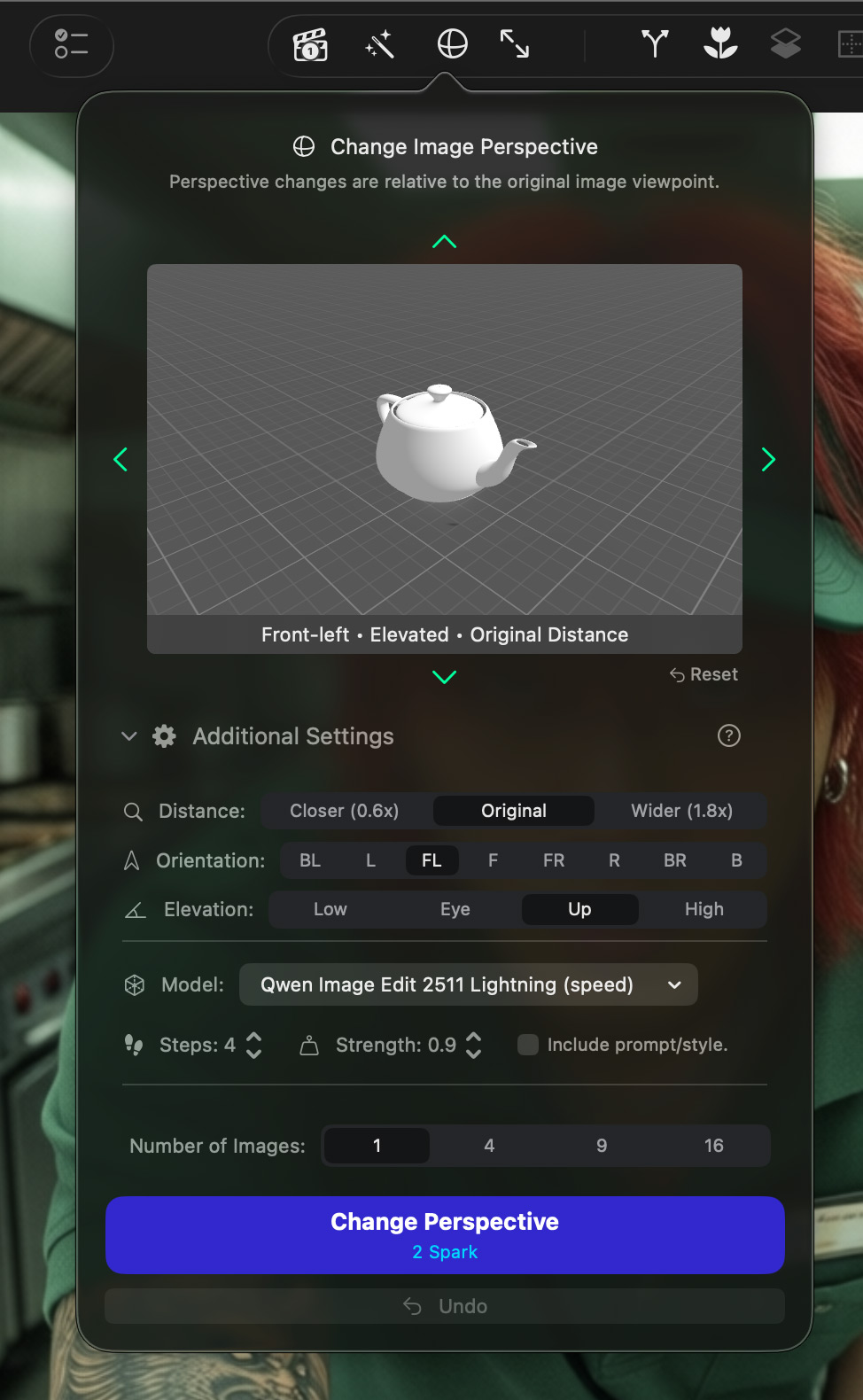
Perspective controls (expanded)
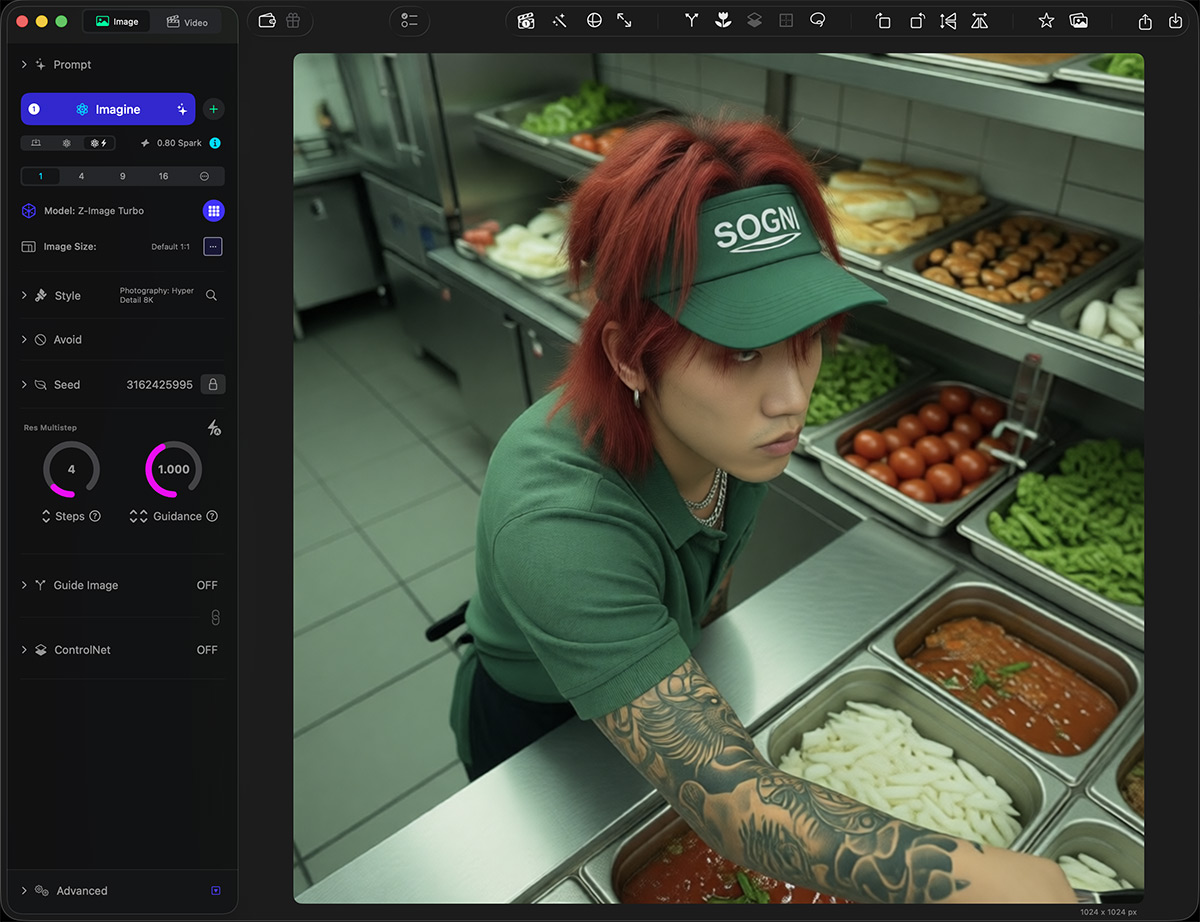
Image with perspective adjusted
Tips:
- The preview is a guide — the result won’t match it pixel-perfect.
- Strength controls how closely the edit sticks to the original (higher = more faithful, lower = more change).
- Enable Include prompt/style if you want your prompt to help steer details after the angle change.