
Sogni n8n Plugin
n8n-nodes-sogni is a community node that drops Sogni image, video, audio, LLM, and hosted creative-workflow generation directly into your n8n workflows. It supports all 15 image ControlNet types, Qwen Image Edit with multi-reference context images, video models including LTX-2.3, WAN 2.2, Seedance 2.0 / Fast / Mini, and HappyHorse 1.1, ACE-Step music/audio generation, Sogni Intelligence chat models (with optional access to Sogni's 24-tool hosted creative manifest), and full multi-step Creative Workflows — all pulling from your personal Sogni account.
#Install from n8n Community Nodes →
#What it does
- Image generation with optional ControlNet guidance across all 15 types (canny, openpose, depth, instantid, and more) and a dynamic Size Preset dropdown that adapts to the chosen model + network.
- Image editing via Qwen Image Edit 2511, with up to three context reference images per call.
- Video generation with LTX-2.3, WAN 2.2, Seedance 2.0 / Fast / Mini, and HappyHorse 1.1 families, including text-to-video, image-to-video, reference-to-video, sound-to-video, animate, and v2v workflows.
- Audio generation with MiniMax Music 3 or ACE-Step — music or instrumental tracks with optional lyrics and prompt strength; ACE-Step adds BPM / time signature / key, composer mode, and creativity controls.
- Cost estimation before generation runs (
Image / Video / Audio / LLM → Estimate Cost) so scheduled jobs can guardrail spend. - LLM chat through Sogni Intelligence (Qwen3.5 etc.) with optional tool calls, plus a vision path for image description, plus a one-click toggle that exposes Sogni's hosted creative-tool manifest (24 tools — 18 generation:
generate_image,generate_video,generate_music,edit_image,animate_photo,restore_photo,apply_style,change_angle,dance_montage,extend_video,orbit_video,overlay_video,refine_result,replace_video_segment,sound_to_video,stitch_video,video_to_video,add_subtitles; plus 6 composition:enhance_prompt,compose_lyrics,compose_instrumental,compose_script,compose_workflow,compose_workflow_template) to the model — no Tools JSON authoring required. - Creative Workflows — drive the hosted Sogni creative workflows engine end-to-end:
Starta workflow from a saved template or an inlinesteps[]plan, thenGet,List, fetchEvents, orCancel. TheStartoperation has an optional Wait Until Terminal mode that polls until the run reaches a terminal status with configurable interval and timeout. - Account and model introspection — list available models, fetch model details, get the most popular model in a single call, check SOGNI and Spark balances.
#Install
In n8n, open Settings → Community Nodes, click Install, and enter n8n-nodes-sogni. Confirm the install and restart n8n if prompted.
To install manually in a self-hosted instance:
npm install n8n-nodes-sogni
Restart n8n after the install completes.
#Configure
- In n8n, go to Credentials → Add Credential, search for "Sogni AI".
- Enter your Sogni username and password. Leave App ID empty for auto-generation.
- Add a Sogni node to a workflow, pick a resource (
Image,Video,Audio,LLM,Creative Workflow,Model,Account) and operation (Generate,Edit,Estimate Cost,Start,Get,Get All, etc.).
A free Sogni account gets 50 daily Render credits — sign up here.
#Sample workflows
Text-to-image with Flux Schnell:
{
  "resource": "image",
  "operation": "generate",
  "modelId": "flux1-schnell-fp8",
  "positivePrompt": "A beautiful sunset over mountains",
  "network": "fast",
  "additionalFields": {
    "steps": 4,
    "tokenType": "spark",
    "downloadImages": true
  }
}
Music generation with MiniMax Music 3 (tempo and key go in the prompt; for an instrumental, a section-tag skeleton keeps the piece from ending early):
{
  "resource": "audio",
  "operation": "generate",
  "audioModelId": "minimax_music3",
  "audioPositivePrompt": "Upbeat synthwave instrumental with driving bass, 80s arcade vibes, 128 BPM, 4/4",
  "audioNetwork": "fast",
  "audioDuration": 60,
  "audioAdditionalFields": {
    "musicAndLyrics": { "lyrics": "[Intro]\n[Verse]\n[Chorus]\n[Verse]\n[Chorus]\n[Bridge]\n[Outro]" },
    "output": { "downloadAudios": true, "outputFormat": "mp3" }
  }
}
LLM with Sogni hosted creative tools:
{
  "resource": "llm",
  "operation": "generate",
  "llmModelId": "qwen3.6-35b-a3b-gguf-iq4xs",
  "llmPrompt": "Plan a one-image marketing render for a holographic dragon over Tokyo at sunset.",
  "llmAdditionalFields": {
    "useSogniHostedTools": true,
    "toolChoiceJson": "auto",
    "tokenType": "spark"
  }
}
Creative Workflow from a saved template (poll until terminal):
{
  "resource": "creativeWorkflow",
  "operation": "start",
  "cwStartMode": "template",
  "cwTemplateId": "wf_tpl_…",
  "cwInputsJson": "{ \"brief\": \"A neon city at dusk, cinematic shot\", \"aspect_ratio\": \"16:9\" }",
  "cwWait": true,
  "cwStartAdditionalFields": {
    "tokenType": "spark",
    "pollIntervalMs": 3000,
    "pollTimeoutMs": 900000
  }
}
Each node returns project/workflow metadata in JSON and (where applicable) downloaded binary properties (image, image_1, audio, video, …) ready for the next node.
#Workflow ideas
Daily scheduled image post. Trigger on a cron, generate a Sogni image, route the binary output to a Discord webhook, Twitter, or Google Drive.
Sketch-to-image pipeline. Read a sketch from a Google Drive folder, run it through a canny ControlNet generation, store the result back to Drive or post to Slack.
Qwen image edit from a form. n8n Form Trigger → Sogni Image Edit (with the uploaded photo as contextImage1) → email the result back.
LTX-2.3 text-to-video. Use the bundled LTX 2.3 example workflow; auto-selects an available ltx23-* model before generation runs.
Cost-guarded video batch. Run Video → Estimate Cost first, branch on the response, and only proceed if the estimate is under your threshold. Same pattern works for LLM → Estimate Cost and Audio → Estimate Cost.
Soundtrack-generated video pipeline. Generate the score with Audio → Generate, drop it into a Video → Generate sound-to-video workflow, post the final clip to social.
Agent-driven creative loop. Use LLM → Generate with Enable Sogni Hosted Tools on; let the model plan a multi-step creative job by emitting tool calls, then hand the plan to Creative Workflow → Start and poll until terminal.
Hosted Creative Workflow template runner. Build a workflow template once in the Sogni studio, then trigger it from any n8n event (webhook, cron, form, CRM hook) with structured inputs — the node will wait, return artifacts, and let you fan-out delivery.
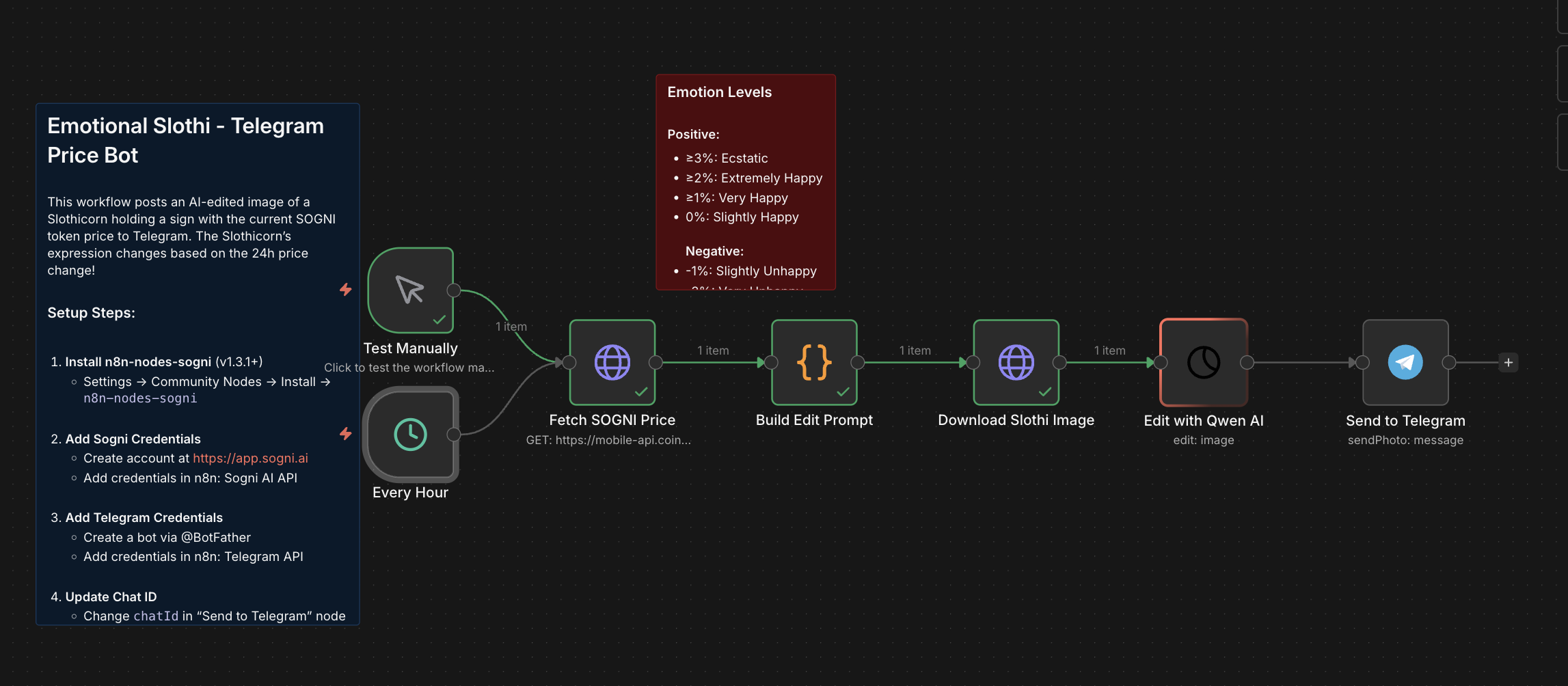
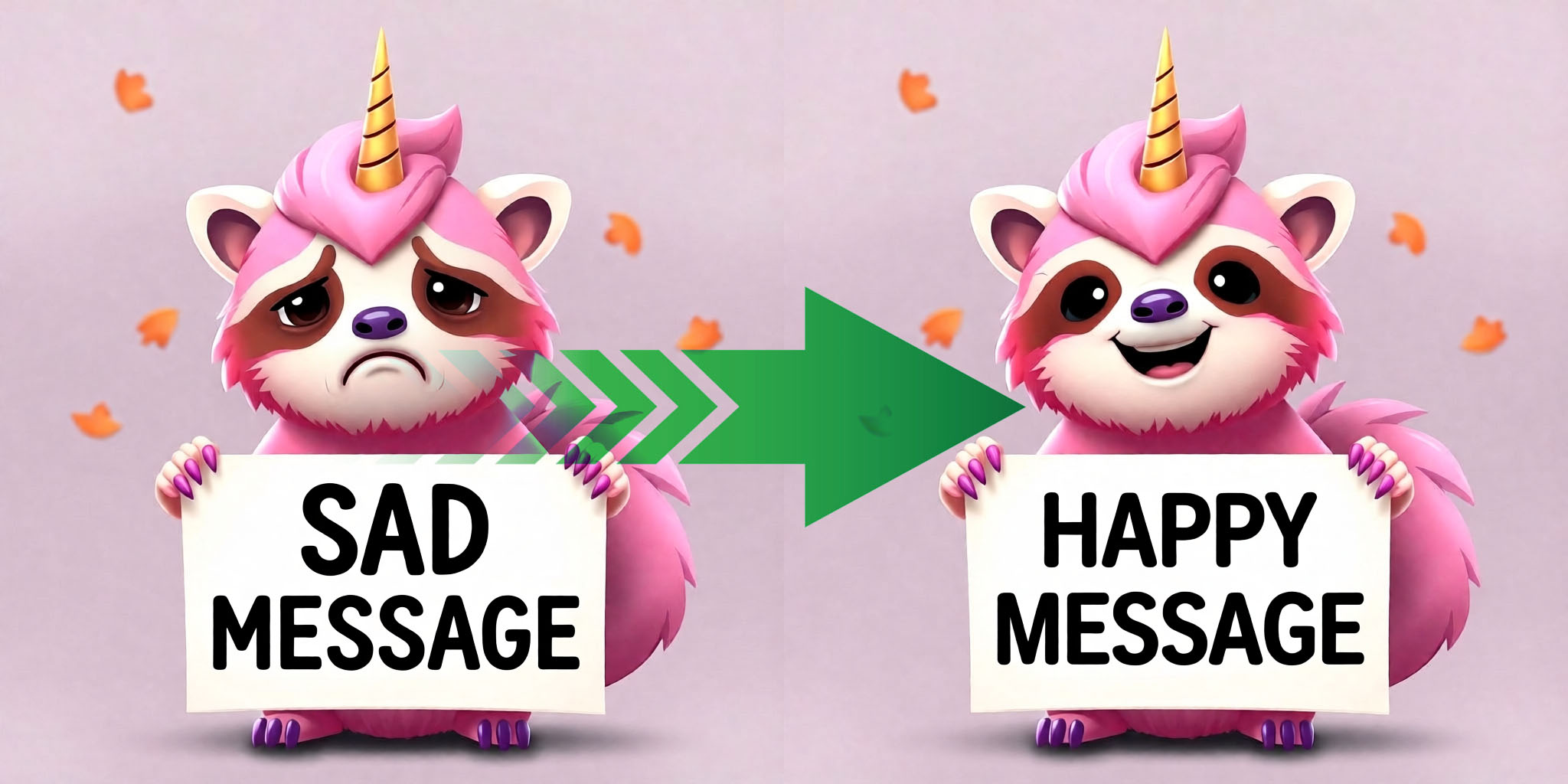
The examples/ folder in the repo ships 16 ready-to-import workflows including LTX-2.3 text-to-video, Qwen image edit, WAN animate-replace with SAM2, a Telegram poet bot, an ACE-Step music generator, a Creative Workflow template runner, and a hosted-tools LLM agent.
#Tips for getting started
- Use
fastnetwork for interactive workflows,relaxedfor batch jobs. Fast spends SOGNI tokens for seconds-to-minutes turnaround; Relaxed spends Spark for minutes-to-hours but much cheaper. - Always enable downloads in production. Sogni result links expire after 48 hours and Sogni keeps generated media for about two days; the downloaded binary lives with the n8n execution. (
downloadImages,downloadVideos,downloadAudiosall default on.) - Match steps to model. Flux: 4–8 steps. SD: 15–30. ControlNet: 20–30. MiniMax Music 3: 30. ACE-Step Turbo: 8.
- Bump the timeout for relaxed and long media. Fast image: 60s is fine. Relaxed image: 10 min. Keep video on Fast: Relaxed video only runs for Unlimited members during a Fast cooldown, and can take hours. Creative-workflow poll: 10–15 min for end-to-end multi-step plans.
- Pick the server-validated Size Preset dropdown on
Image → Generateinstead of guessing width/height — it adapts to the chosen model + network and prevents reject-at-server-edge surprises. - Auto-resize references. Leave
Auto Resize Video Assetson unless you've already normalized your inputs.
#See also
- Sogni Client SDK — the SDK the node is built on.
- Sogni Intelligence — the LLM platform exposed through the LLM resource.
- Creative Agent Skill — the same Sogni capabilities for agent runtimes instead of n8n.
- npm: n8n-nodes-sogni
- Source on GitHub
- Changelog