
Sound to Video
Use a reference image or a frame from a video to define the subject and look, then add a source audio track. The video’s motion, timing, and energy follow the audio’s rhythm and dynamics.
This works especially well for music-driven visuals, performances, ambient scenes, and lip-sync. Use the prompt to guide how the scene evolves and where the motion is focused.
Use the mic button to record live audio using your mac's microphone.
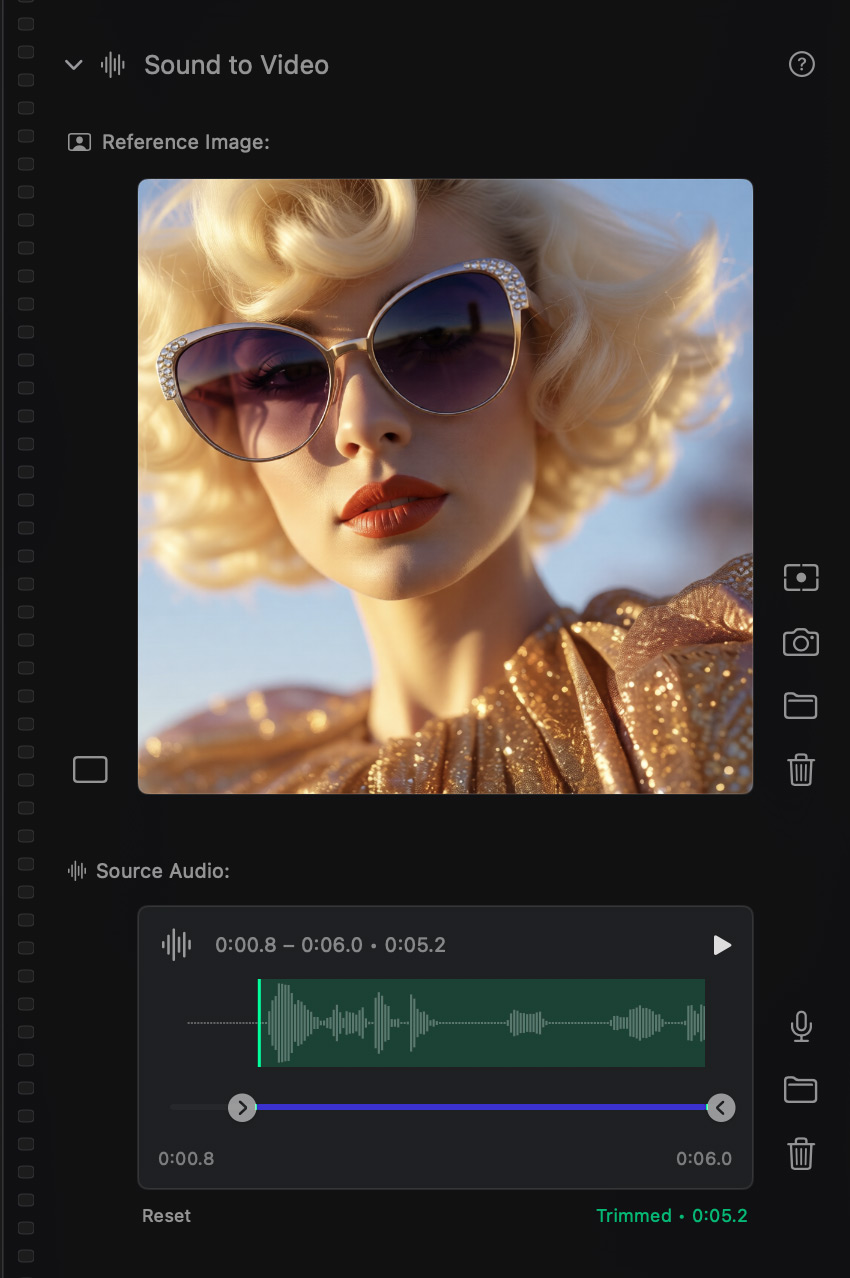
Sound to Video side-bar module.